How to set up a semantic layer in 5 minutes (no YAML)
Hi, this is Vivek, building Contextflo. I share practical notes on getting answers from your data, a couple of times a month.
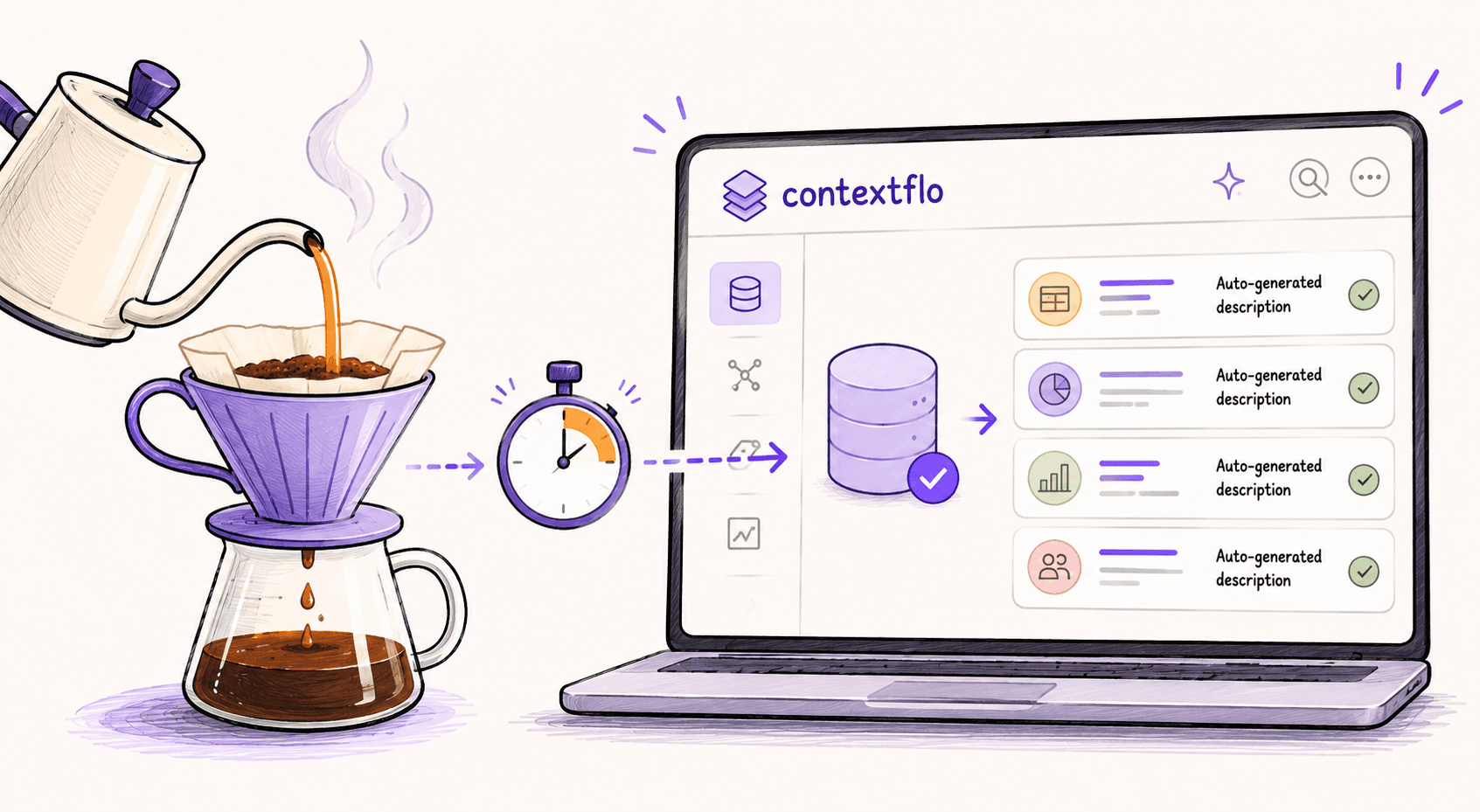
You can set up a working semantic layer in about five minutes: connect your database read-only, auto-generate table and column descriptions from your schema, source code, and docs, refine a few, and your team queries through Claude with consistent definitions. No YAML, no modeling project.
A pourover takes about four minutes: grind, bloom, pour in slow circles, wait. Setting up your semantic layer takes about the same, so we'll use it as the timer.

0:00: Connect your database
While you're measuring out your coffee, open Contextflo and click "Add Data Source." Pick your warehouse (Postgres, MySQL, BigQuery, Snowflake, ClickHouse, Redshift, or Databricks). Paste in your connection string.
Tip: Use a read-only credential. Contextflo never writes to your database, and read-only access means there's zero risk of accidental mutations.
0:30: Select tables and generate descriptions
Once connected, Contextflo scans your schema (tables, columns, foreign keys, data types). Select the tables you want your team to query. You don't need all of them. Start with the ones people ask about most: orders, users, transactions, whatever drives your business.
The platform auto-generates descriptions for each table and column, drawing on your schema plus any source code and docs you connect. "orders" becomes "Customer orders with line items, payment status, and fulfillment tracking." "created_at" becomes "Timestamp when the order was placed (UTC)."
1:30: Review and refine definitions
Review the auto-generated descriptions. Most will be right. Some will need a tweak, like "amount" should specify "gross revenue in USD before refunds" instead of just "order amount." Click, edit, done.
This is where you encode the business logic that makes a semantic layer valuable. Not in YAML files. Not in a config repo. Just plain English descriptions that tell the AI exactly what each column means.
2:30: Set up access control
Set up access control. Invite your team members and assign them to the data source. Everyone who needs answers gets access. Everyone who shouldn't see sensitive data doesn't.
Contextflo enforces read-only queries and logs every query for audit. Your team can ask anything without you worrying about what they might accidentally change.
3:30: Connect Claude and ask your first question
Open Claude (or any AI that supports MCP), connect to your Contextflo workspace, and ask your first question:
"What was our revenue last month compared to the month before?"
The AI reads your table descriptions, understands that "revenue" means the sum of the "amount" column where status is completed, writes the SQL, runs it against your database, and gives you the answer. Same definition, every time, for every person on your team.
4:00: Your semantic layer is live
That's it. Your semantic layer is live. No YAML files. No deployment pipeline. No data engineer spending two weeks mapping joins. Just a connected database with clear descriptions that give AI the context it needs to answer questions consistently.
The traditional approach (Cube, dbt, LookML) takes days to weeks and requires ongoing maintenance. This takes the length of a pourover, and the descriptions are generated rather than hand-written, so there's no separate config repo to keep in sync.
How the semantic layer improves over time
Over the next few days, your team will ask questions that reveal gaps. Maybe "churn" needs a specific definition. Maybe a join between orders and customers needs a note. You add these as you go, 30 seconds each. Your semantic layer gets smarter over time without a modeling project.
Day 1: Connect, generate descriptions, ask your first questions.
Week 1: Refine 5-10 descriptions based on real questions from your team.
Month 1: Your team has run hundreds of queries with consistent definitions, without anyone writing a line of YAML.
Here is a more in-depth look at Contextflo and how it works.
What is Contextflo?
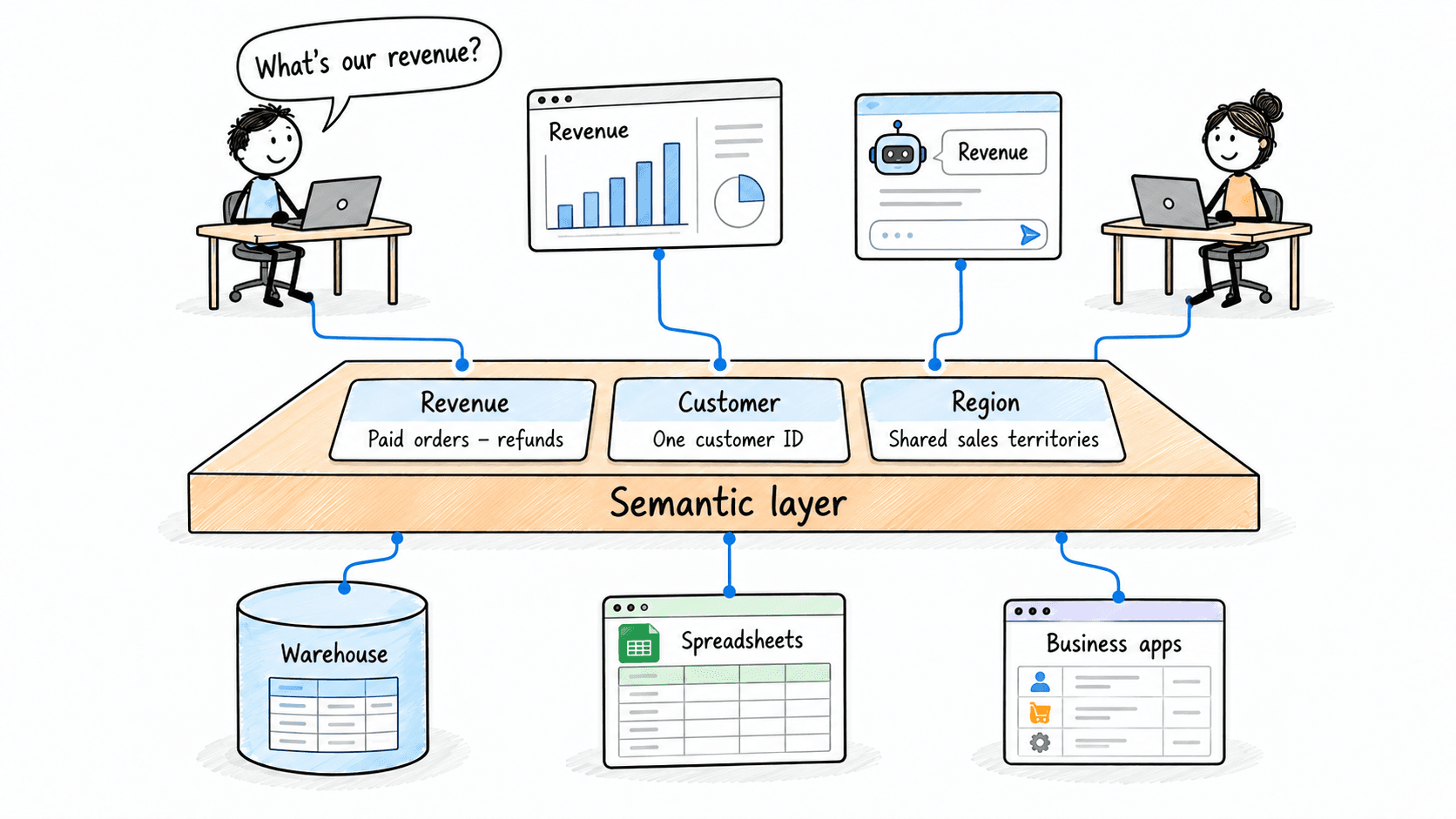
Contextflo is a governed context layer between your data and the AI your team already uses. Connect your warehouse once, and your team asks questions in their own Claude or ChatGPT. The model writes and runs the SQL; Contextflo supplies the definitions, the per-user access control, and the audit that make the answers trustworthy. Your data never moves, and you do not need a data team.
How it works
Your team queries in their own Claude or ChatGPT over MCP, so you bring any agent rather than a locked-in bot, and every answer comes back with the SQL shown and access enforced per user.
Find out if Contextflo is the right fit for you.
See how teams use Contextflo


Related posts

Keep reading

Conversational analytics: 5 ways to set it up, compared
7 min read

How to connect Claude to BigQuery? What works and what doesn't in 2026
8 min read

How to connect Claude to Postgres without giving it write access
7 min read

How to build a BI dashboard with Claude that your team can actually trust
8 min read

How to give Claude read-only access to your database (it isn't always the default)
7 min read

You connected your warehouse to Claude, now what?
5 min read

The official Postgres server for Claude is archived. Here's what to use instead.
7 min read

Why is the team missing sprint goals? How to analyze Jira data with AI
8 min read

Are my ads actually profitable? How to analyze Facebook and TikTok ads together with AI
7 min read