How to give Claude read-only access to your database (it isn't always the default)
Hi, this is Vivek, building Contextflo. I share practical notes on getting answers from your data, a couple of times a month.

I assumed the official database MCP servers were read-only out of the box. When we checked five of them, two could write by default, and a third had a read-only guard you can walk straight past.
So yes, giving Claude read-only access to your database is safe, and it's the right baseline. A read-only role means the model can run SELECT queries but can never write, update, or delete. Point it at a read replica and it can't slow production either. You just have to set it up yourself, because the server's default might not do it for you.
Read-only also isn't the whole job. It stops the AI from changing your data. It doesn't decide who sees which tables, handle the credentials, or leave you a trail of what was asked. After the table below comes the checklist for connecting Claude or ChatGPT to a database safely, in the order that matters. Do the first three even for a solo setup. The rest are what a team needs before it can trust the answers.
Which official database MCP servers can write by default?
The database role is your decision. The MCP server's default is the vendor's, and vendors don't agree. We checked the current docs and source for each server we have a setup guide for on September 26, 2026.
| MCP server | Can it write by default? | How to keep it read-only | Setup guide |
|---|---|---|---|
| Google BigQuery MCP server | Yes. Google lists execute_sql as the one tool that isn't read-only[1] | Use execute_sql_readonly, which rejects DML, DDL and Python UDFs, or block execute_sql with an IAM deny policy[1]. Connect as an identity with BigQuery Data Viewer and Job User only | Claude with BigQuery |
| Databricks SQL MCP server | Yes. It "permits reads and writes by default"[2] | Set disallow_writes to true in the built-in system.ai.dbsql_policy policy[2] | Claude with Databricks |
| AWS Redshift MCP server (awslabs) | No. Read-only by design: each query runs inside BEGIN READ ONLY and is always rolled back, and a deny-list blocks statements such as UNLOAD, GRANT and TRUNCATE[3][4] | Nothing to switch on. The query tool exposes no write mode[4]. Still connect as a SELECT-only user | Claude with Redshift |
| mcp-clickhouse (ClickHouse) | No. Queries run with readonly=1 unless you set CLICKHOUSE_ALLOW_WRITE_ACCESS=true, and drops need CLICKHOUSE_ALLOW_DROP=true as well[5] | Leave both unset, and grant SELECT only. The README calls the server's destructive-operation check "not a security boundary" and says the boundary is the ClickHouse user's grants[5] | Claude with ClickHouse |
@modelcontextprotocol/server-postgres (archived) | Its read-only guard can be bypassed. A stacked query like COMMIT; DROP SCHEMA public CASCADE; ends the read-only transaction and runs the rest with the role's full privileges[6] | Don't use it. It was archived and deprecated in 2025[6][7], yet still pulled about 105,000 npm downloads in the week of September 19-25, 2026[8]. Use a maintained server from our Postgres MCP comparison | Claude with Postgres |
Across all five, the server's own guard is a convenience and the database grants are the real control. ClickHouse says as much in its own README, which is why the checklist starts with the role.
1. Read-only, always
The AI should never be able to write, update, drop, or alter. Connect with a database role that only has SELECT. It's the most important line of defense, and it's one command. Don't reuse an app credential that happens to have write access because it was already lying around.
2. Point at a replica, not production
An AI exploring your data will occasionally write an expensive query, like a full scan over a huge table or an accidental cross join. Against production that can slow down real traffic. Against a read replica it can't. If you have a replica, use it. If you don't, at least set a statement timeout so a runaway query gets killed.
3. Enforce read-only at the layer, not just the role
A read-only role is one gate, and gates fail. If someone points the connection at a credential with more access, nothing catches it. The archived Postgres server in the table above is the real-world case: a crafted query got past its read-only guard and could write to the database. A layer that only lets read queries through is a second gate, so a misconfigured role doesn't turn into an incident. You want the read-only credential and the read-only enforcement both. We go deeper in read-only database access is not enough.
4. Scope table access per person
One connection string means one level of access: everyone who can use it can query everything it can reach. Your marketing lead can pull payroll, and your contractor can pull customer PII. For a solo setup that's moot. For a team it's the biggest gap. Each person should see only the tables they're supposed to. You can approximate this with a database role per person, but managing that by hand gets old fast.
5. Individual authentication, no shared secret
If every person configures the same database password in a local config file, the secret is on every laptop. When someone leaves you're rotating it for the whole team and breaking everyone at once. Each person should sign in as themselves against a central place, so offboarding means revoking one account.
6. Log every query
You want a record of who asked what, what SQL ran, and what came back. AI-generated SQL is occasionally wrong in quiet ways, and when a bad number surfaces in a decision you need to trace it back. A raw connection gives you none of this. Once the answers drive decisions, the log has to be built in.
7. Know what reaches the model
Under the commercial terms of both Anthropic and OpenAI (API, Team, and Enterprise plans), your data isn't used to train models. The subtler question is scope: which schema and which rows get sent to the model at all. A governed layer narrows this to the context and results the asking user is allowed to see, instead of exposing the whole database to every prompt. If your team is on consumer plans, check the data settings before connecting anything.
The short version
Solo and technical: a read-only role on a replica with a statement timeout (items 1 through 3) is a safe personal setup. Give Claude the read-only role and go.
For a team, anything sensitive, or answers people act on without reading the SQL, you need 4 through 7 too, and a bare connection can't give you those. That's what we built Contextflo for: one read-only connection for the whole team, with per-user table scoping and a log of every question and the SQL behind it. The longer walkthrough is in safe AI database access and connecting AI to your company data.
FAQ
Is it safe to give Claude read-only access to your database?
Yes. A read-only database role lets Claude query but never write, update, or delete, and pointing it at a read replica keeps analytical queries off production. That's a safe baseline for one person. For a team you also want scoped table access, individual sign-in, and a query log.
Can Claude delete or change my data with read-only access?
No. A read-only role has no write permission, so the model physically can't change anything. Enforcing read-only at the connecting layer too gives you a second gate in case the database role is ever misconfigured.
Does read-only access make the connection fully secure?
It's necessary but not sufficient. Read-only stops writes, but it doesn't scope who sees which tables, doesn't handle credentials, and doesn't log queries. For a team you need those too.
Can Claude delete data in BigQuery or Databricks?
It can if the MCP server and the identity behind it allow writes. Google's BigQuery MCP server exposes execute_sql, which isn't read-only, and the Databricks SQL MCP server permits writes by default until you set disallow_writes in system.ai.dbsql_policy. Connect with a read-only identity and use the read-only tool or policy.
Do Claude or ChatGPT train on data they query?
Not under the commercial terms of Anthropic or OpenAI on API, Team, and Enterprise plans. On consumer plans, review the data settings. A governed layer also limits what reaches the model to only what the asking user is allowed to see.
Here is a more in-depth look at Contextflo and how it works.
What is Contextflo?
Contextflo is a governed context layer between your data and the AI your team already uses. Connect your warehouse once, and your team asks questions in their own Claude or ChatGPT. The model writes and runs the SQL; Contextflo supplies the definitions, the per-user access control, and the audit that make the answers trustworthy. Your data never moves, and you do not need a data team.
How it works
Your team queries in their own Claude or ChatGPT over MCP, so you bring any agent rather than a locked-in bot, and every answer comes back with the SQL shown and access enforced per user.
See it on your own data.
Connect your warehouse and your team can ask Claude about it the same day, without waiting on a data team. Want a walkthrough first? Grab 20 minutes.
Book a 20-minute callSee how teams use Contextflo


Related posts


Keep reading

Conversational analytics: 5 ways to set it up, compared
7 min read

How to connect Claude to BigQuery? What works and what doesn't in 2026
8 min read

How to connect Claude to Postgres without giving it write access
9 min read

How to build a BI dashboard with Claude that your team can actually trust
8 min read

You connected your warehouse to Claude, now what?
5 min read
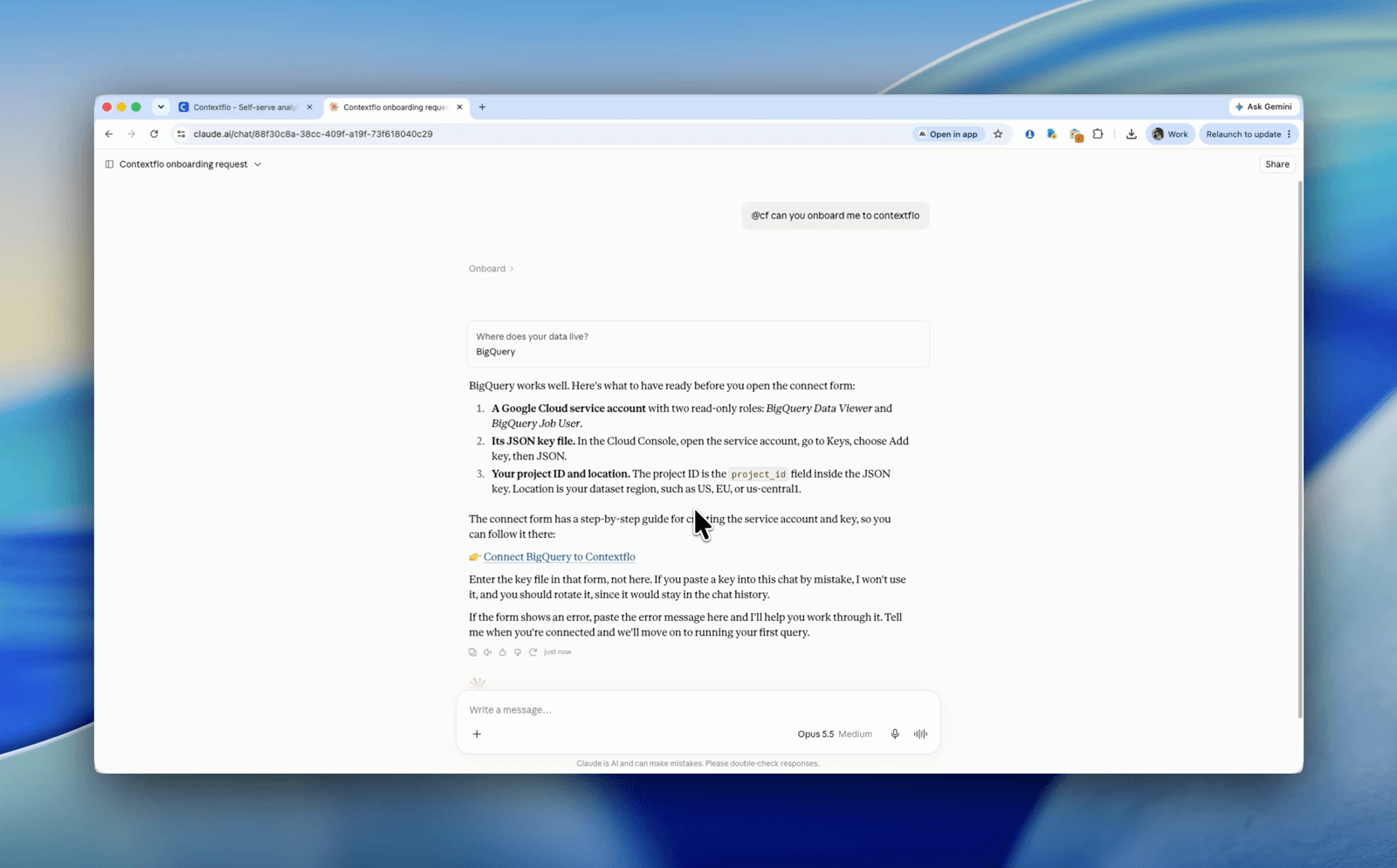
Set up Contextflo from inside Claude: onboarding is now a conversation
3 min read
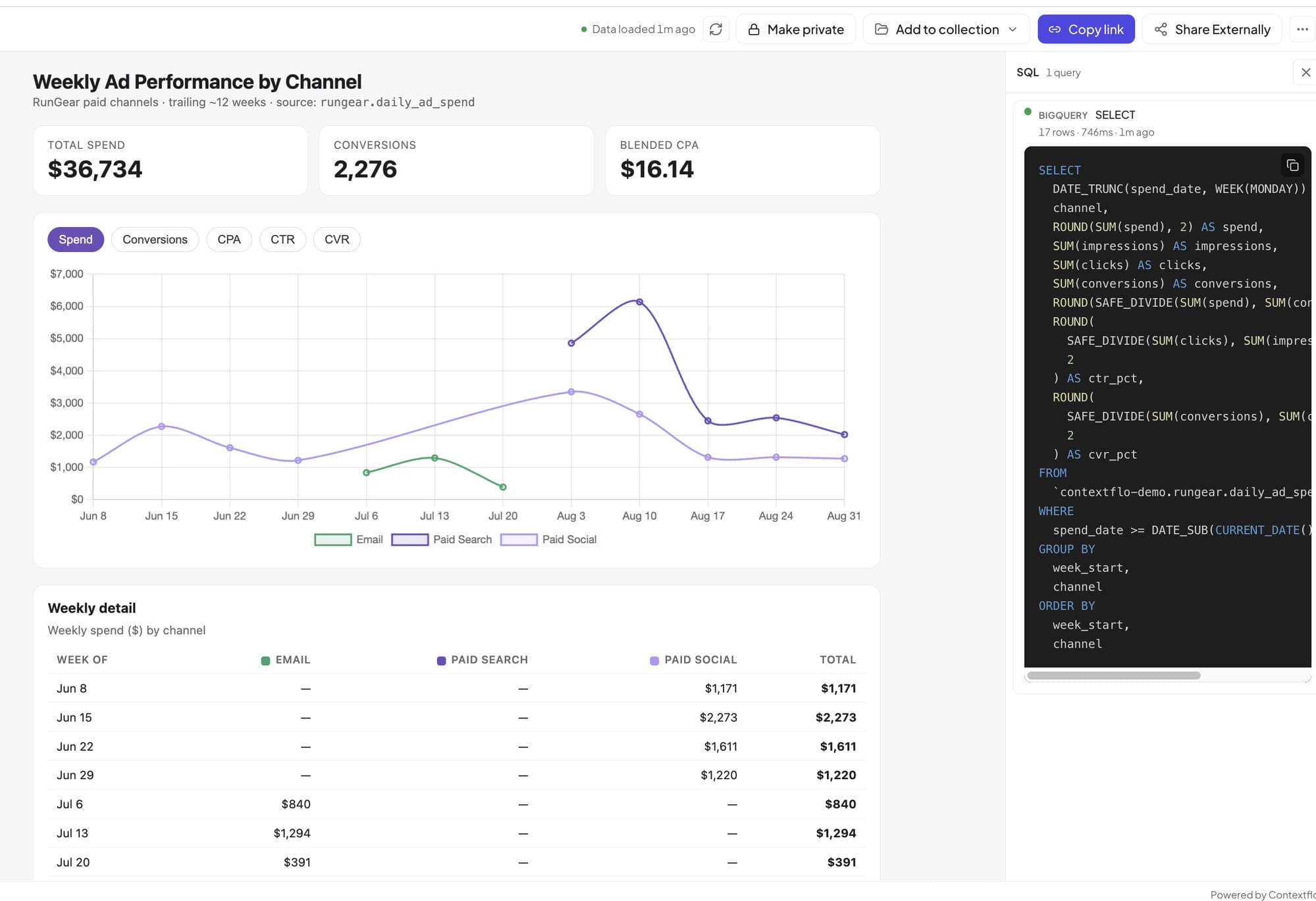
How to host and share Claude artifacts with your whole team
3 min read

Why is the team missing sprint goals? How to analyze Jira data with AI
8 min read

Are my ads actually profitable? How to analyze Facebook and TikTok ads together with AI
7 min read