How to connect Claude or ChatGPT to your company data (without regretting it)
Hi, this is Vivek, building Contextflo. I share practical notes on getting answers from your data, a couple of times a month.
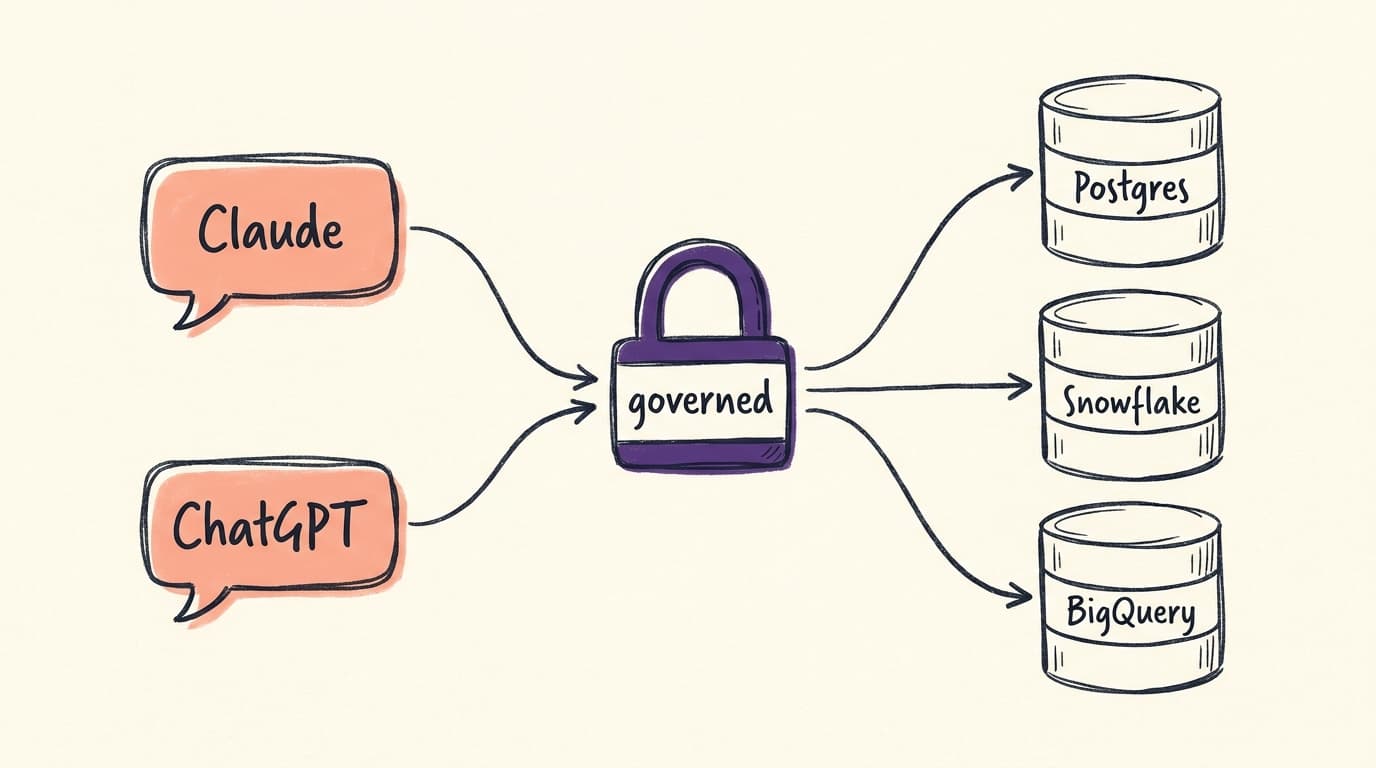
Your team already uses Claude or ChatGPT every day. Your company data sits in Postgres, Snowflake or BigQuery. Connecting the two seems like it should be simple, and for one person it is.
The hard part is doing it for a team without creating problems you will spend the next quarter cleaning up.
I have set this up for marketplaces, e-commerce ops teams and expedition companies, from two-person startups to hundred-person teams. This is the whole picture: what the options are, where each works, where each breaks, and what "safe" actually means once an AI can query production data.
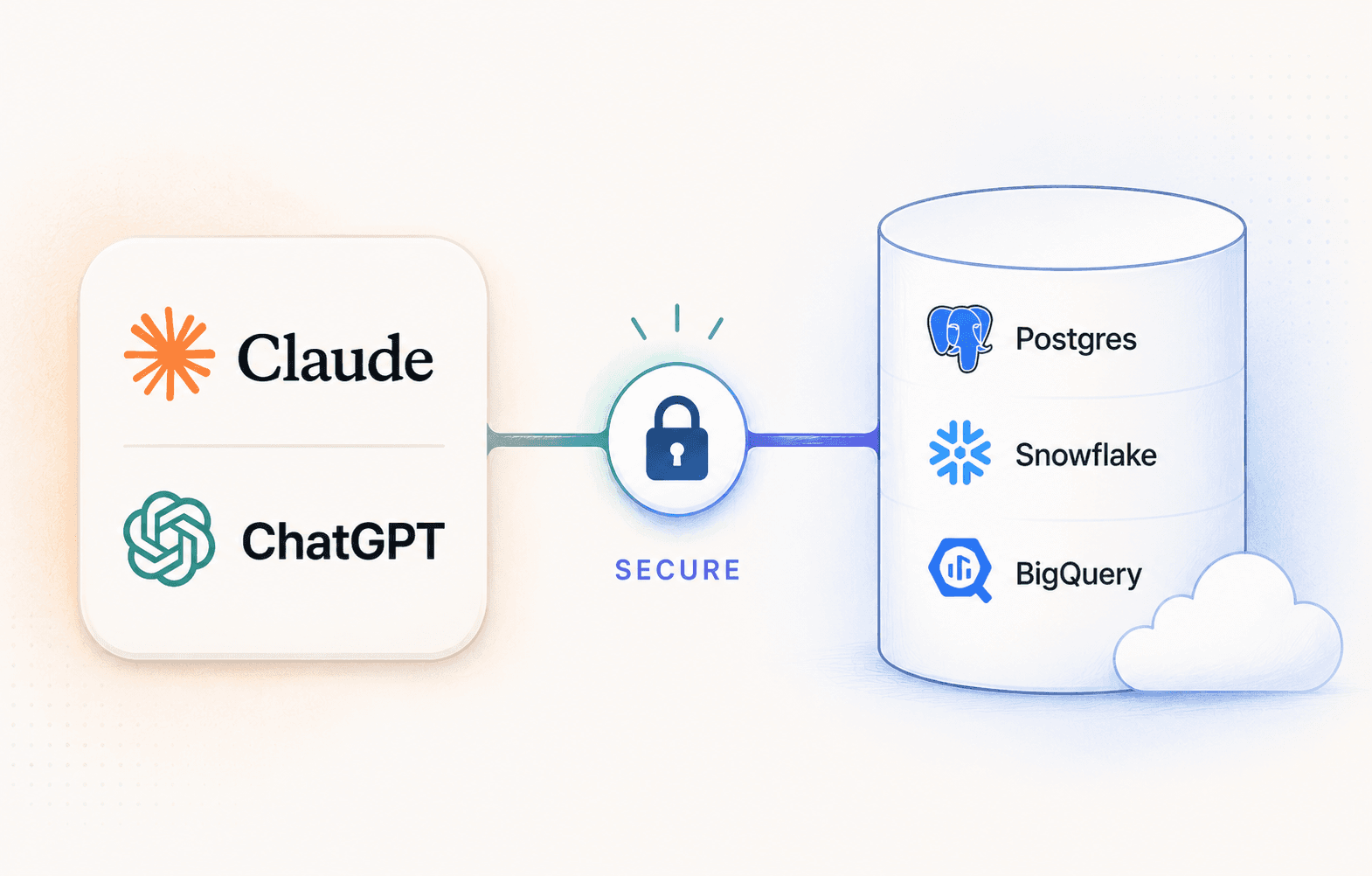
Two patterns, and only two
Direct connection. You run an MCP connector, or use a built-in integration, that gives the AI access to your database. Fast to set up, works well for one technical person.
Governed access layer. In plain words, a layer that manages access. The AI talks to it rather than to your database, and it handles who can see what, what the tables mean, what queries ran, and what the answers were based on.
Most teams start with the first and hit its limits within weeks. Knowing those limits in advance saves you the false start.
How a direct MCP connection works
About ten minutes:
- Create a read-only database user
- Install an MCP server: there are open-source ones for every major database
- Point your AI tool at it
Now Claude can list tables, inspect the schema and run SQL. Ask "how many signups last week?" and it writes the query, runs it, and answers.
For a solo technical founder exploring their own database, this is genuinely great. You know your schema, you can read the SQL, and you notice when something looks off. Everything below is about what happens when that last part stops being true.
Why it breaks for teams
Five problems, all of which only appear once the second, third and tenth person start using it. They appear fast, too. When Tilt, a live-auction marketplace, opened AI access to their team, usage settled at around 6,000 queries a month. That is the volume your setup is handling within weeks, not eventually.
Everyone sees everything. One connection string means one level of access. Your marketing lead can query payroll. Your contractor can query customer PII. Database roles can scope this, but then you are managing a database user per person per AI tool, forever.
Answers are inconsistent. The AI infers what "revenue" means from your column names, and infers it fresh every conversation. In our own query logs we watched someone ask a plain question: "what's our average order value?", and Claude work through six wrong column guesses before landing on the right one. Four of them:
SELECT AVG(ORDER_TOTAL) FROM orders;   -- invalid identifier
SELECT AVG(AMOUNT) FROM orders;        -- invalid identifier
SELECT AVG(TOTAL_AMOUNT) FROM orders;  -- invalid identifier
SELECT AVG(VALUE) FROM orders;         -- invalid identifier
The connection worked perfectly throughout. But two people asking the same thing will not reliably get the same number, and neither will the same person on different days.
Note what saved this one: the wrong guesses errored. When a wrong guess happens to name a real column, you get a number instead, and nobody finds out.
This is what golden queries are for: canonical, vetted SQL for the questions your team asks repeatedly, stored where the AI reuses them rather than re-deriving the metric each session. It is also how real rollouts go: Quark Expeditions curated the questions their marketing and ops teams ask most before opening up access, so those answers come from vetted queries rather than fresh guesses.
Credentials sprawl. Each person configures their own connector with the database password in a local config file. Someone leaves, and you are rotating credentials for everyone.
No visibility. Nobody knows what is being asked, what SQL ran, or whether the answers were right. When a wrong number surfaces in a decision, there is no trail to follow back.
Context does not persist. You correct the AI's misunderstanding of your schema today. Tomorrow, in a new conversation, it makes the same mistake. Your teammate's Claude never learned what yours did.
None of these are AI problems. They are infrastructure problems, and the AI is doing fine.
What "safe" actually means
When people say they want to connect AI to company data safely, they usually mean some combination of six things:
- Read-only access to a replica. The AI can never write, and a slow query cannot affect production.
- Scoped table access. Each person or group sees only what they should. Sensitive data is protected by configuration, not by hoping nobody asks. The fix for "everyone sees everything."
- Centralised credentials. Database passwords live in one managed place, not on laptops. Offboarding is revoking one account, not rotating a shared secret. The fix for credential sprawl.
- Shared definitions. Revenue, active user and churn are defined once, by the data team, and every answer uses the same definition. The fix for the
ORDER_TOTALguessing above. - Query visibility. A log of who asked what, what SQL ran and what came back. Not for surveillance, so wrong answers can be traced and fixed. The fix for having no trail.
- Context that stays current. The schema re-syncs daily, so the AI's understanding stays current instead of a prompt document rotting in a Google Doc. The fix for corrections that evaporate between conversations.
A direct connection gives you the first one, if you set it up carefully. The other five are what a governed layer is for.
At a glance
| Direct connection (DIY) | Governed layer | |
|---|---|---|
| Setup time | ~10 minutes | ~15 minutes |
| Who it works for | One technical person | The whole team, technical or not |
| Access control | One credential, everyone sees everything | Per-user and per-group table scoping |
| Metric definitions | Re-guessed every conversation | Defined once, shared |
| Credentials | Database password on every laptop | Centralised, users sign in individually |
| Audit trail | None | Every question and query, per user |
| Schema changes | Context goes stale silently | Re-syncs daily, definitions regenerate |
For the full build-versus-buy breakdown, including what each gap costs to close yourself, see DIY MCP server vs Contextflo for teams.
How I would actually decide
Stay with a direct connection if:
- One technical person is using it
- The database holds nothing sensitive
- You read every query before trusting the answer
- It is a prototype or an exploration, not a workflow
You need a governed layer when:
- More than one person queries the data
- Non-technical people rely on the answers
- The database contains anything sensitive
- Decisions get made from answers without anyone reviewing the SQL
- You would want to know if an answer was wrong
That last one is usually the deciding line, and it is worth sitting with. If a wrong number would reach a decision without anyone noticing, you have already outgrown the direct connection, whether or not it has caused a problem yet.
Claude or ChatGPT: does it matter?
Less than you would think for the connection itself. Both support MCP connectors, both run SQL through a governed layer, both work with everything on this page. The differences are in how they get connected and how they behave once they are.
Claude treats MCP as a first-class feature: custom connectors are available across paid plans, and adding one is a settings change rather than an admin project. In our query logs Claude is also the more reliable of the two at the multi-step analytical loop: inspect the schema, write a query, hit an error, correct itself, refine. Charts and dashboards render in the conversation as artifacts.
ChatGPT gates custom MCP connectors by plan: on Plus and Pro you enable Developer Mode to add one; on Team and Enterprise a workspace admin installs the connector before anyone can use it. That admin step matters for rollout planning. Once connected, day-to-day querying is comparable.
Use whichever your team already uses. The worst outcome is forcing people into a new tool, because adoption dies there and no feature difference is worth that. If you are starting fresh and analytics is the main use case, Claude's MCP maturity gives it the edge today.
Setup guides by database
Step-by-step for each, covering both the DIY approach and the governed setup:
- Connect Claude to Postgres
- Connect Claude to Snowflake
- Connect Claude to BigQuery
- Connect Claude to Redshift
- Connect Claude to Databricks
- Connect Claude to ClickHouse
Where Contextflo fits
Contextflo gives your whole team governed answers from that data. You connect your database once with read-only credentials, then point Contextflo at your context sources: the schema, but also your source code and internal documents, which is where what your data actually means tends to be written down. From those it extracts metadata for every table and column, which the agent reads on demand.
Your team connects Claude or ChatGPT to Contextflo, not to the database. Everyone authenticates individually, access controls scope what each person can query, and every question and query is logged.
This is how Tilt runs analytics today: a team of about 60 with one data scientist, where most of the company self-serves through Claude, at around 6,000 queries a month against shared definitions and scoped access. Quark Expeditions took the same path for marketing and ops: access scoped per team, and the questions each team asks most curated before rollout.
Setup takes about 15 minutes.
Connecting AI to company data is the easy part. Making it something a whole team can rely on is the actual problem, and it is the one worth solving first.
Here is Contextflo in action.
FAQ
Is it safe to connect Claude to my company database? Yes, if the setup is right: read-only credentials against a replica, table access scoped per user, individual authentication instead of a shared connection string, and a log of every query. A direct connection with one shared credential is fine for a solo technical user, but it does not meet that bar for a team.
Can Claude or ChatGPT modify or delete my data? Not if you connect with a read-only database role, which should be the baseline for any setup. A governed layer adds a second gate by allowing only read queries through, so a misconfigured database role does not turn into an incident.
Does Anthropic or OpenAI train models on my database data? Under both companies' commercial terms (API, Team and Enterprise plans), your data is not used for model training. If your team is on consumer plans, review the data settings. A governed layer also narrows what reaches the model in the first place: only the schema context and query results the asking user is permitted to see.
Do I need a data warehouse to connect AI to my company data? No. AI tools can query Postgres or MySQL directly, ideally through a read replica so analytical queries never touch production. A warehouse helps once your data spans many systems, but it is not a prerequisite.
Find out if Contextflo is the right fit for you.
See how teams use Contextflo


Related posts


Keep reading

Conversational analytics: 5 ways to set it up, compared
7 min read

How to connect Claude to BigQuery? What works and what doesn't in 2026
8 min read

How to connect Claude to Postgres without giving it write access
7 min read

How to build a BI dashboard with Claude that your team can actually trust
8 min read

How to give Claude read-only access to your database (it isn't always the default)
7 min read

You connected your warehouse to Claude, now what?
5 min read

Why is the team missing sprint goals? How to analyze Jira data with AI
8 min read

Are my ads actually profitable? How to analyze Facebook and TikTok ads together with AI
7 min read
Still building the weekly KPI report by hand? How to automate it with Claude
7 min read