How finance and ops teams catch the numbers that don't match, before a customer does
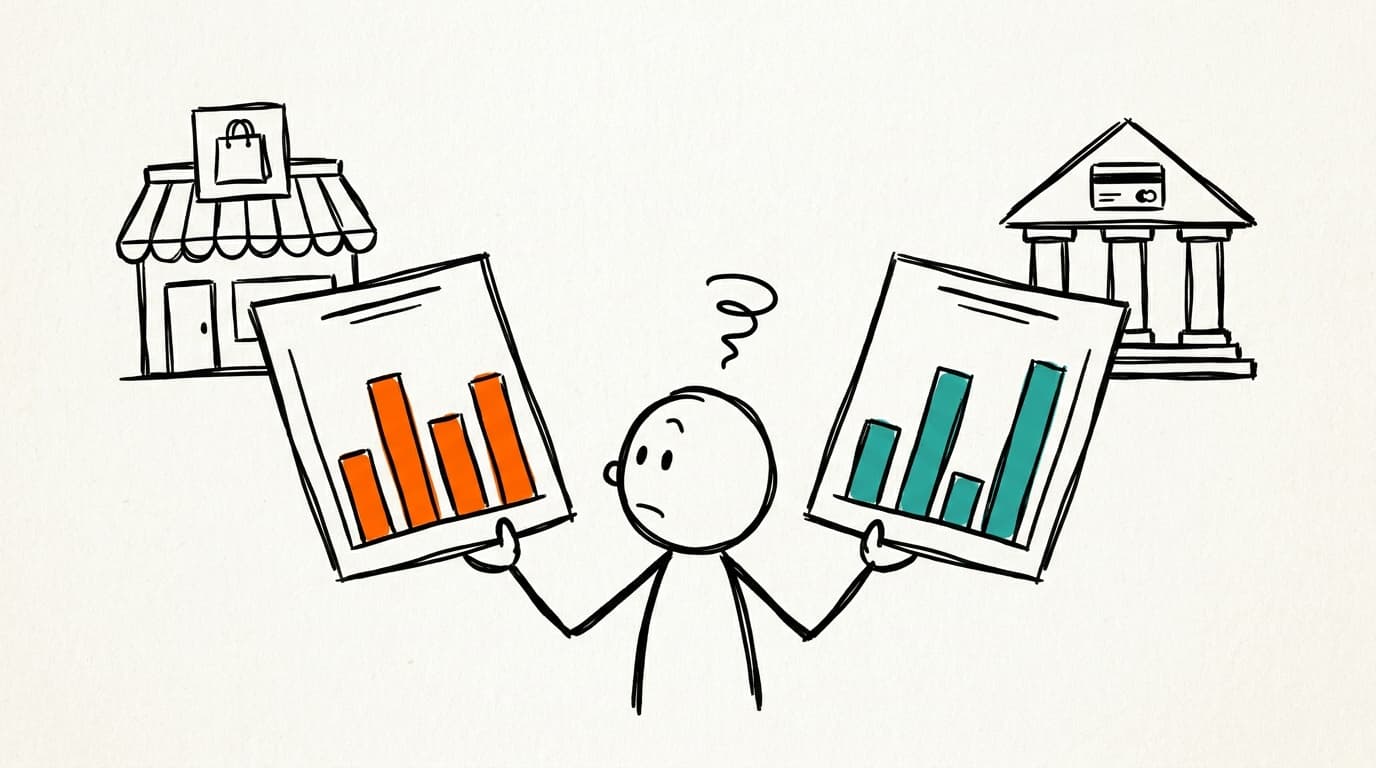
The store says one number for last month's orders. The payment provider's payout report says another. They should agree, they don't, and nobody knows yet which one is right. Every finance and ops team has a version of this: two reports that should match, a gap, and someone whose job it is to find out why before a customer or an auditor does.
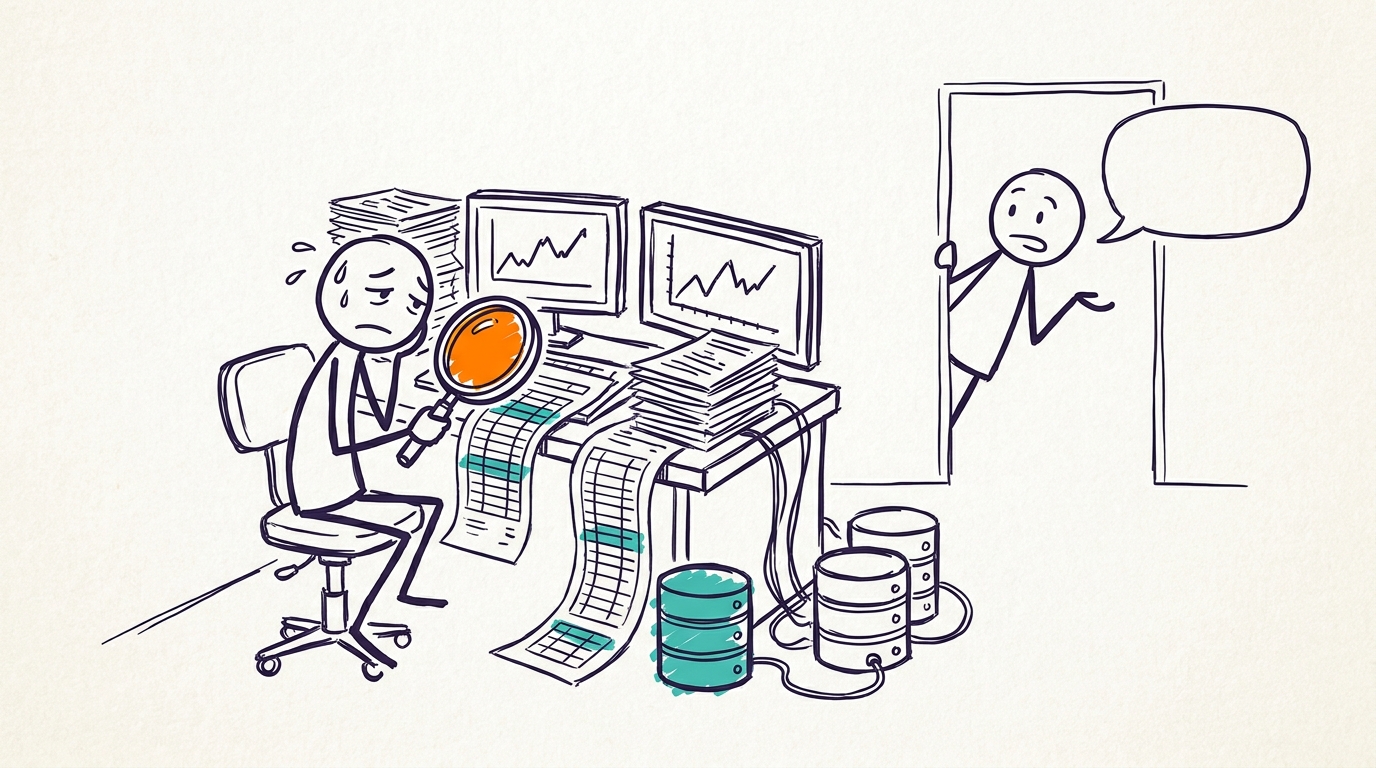
That path works. It's also slow, so it runs on a schedule instead of the moment someone gets suspicious, and the gap sits there until the next pass. A dashboard doesn't help here. It shows you the total. It doesn't tell you the total is wrong, that some rows were counted twice, or that two systems disagree about what happened. Someone still has to ask.
Asking instead of scrolling
Finance: Which orders from last month are in the store but not in the payout report?
Claude/ChatGPT: Two things explain the gap. One set of orders was refunded after the payout cut-off, so the store still counts them and the payout doesn't. A handful of others were counted twice in the store because they were re-imported. Here are both groups, and the query that found them is underneath.
Finance: Are the double-counted ones in this month's report too?
Claude/ChatGPT: Yes. A short list of them carried over, and none have been paid out yet.
Nobody exported anything. The person asked the question they were about to spend an evening answering by hand, and got the gap split into its causes, with the work shown. The follow-up is where it pays off: the same problem sitting in this month's numbers, caught before the payout ran.
Why a dashboard can't tell you this
A dashboard answers the questions it was built for. Orders by month, payouts by week. The gap between two of those numbers is a question nobody built a tile for, because it's a different question every time. This month it's refunds after the cut-off. Next month it's a re-import. You have to be able to ask.
For the AI to answer, it has to know things about your company that it can't see on its own. Which report is the source of truth for orders. What counts as a completed order here, and whether a refund reverses the order or just the payment. When the payout cut-off falls. Every team has answers to these, and most of them live in the head of the person who runs the close.
Write them down once and the AI stops guessing. They drift, too: cut-offs move, "completed" gets redefined, and an AI working off last quarter's notes is confidently wrong in a new way. Once they exist, though, they work for every AI your team uses, whichever one it is, off the same definitions.
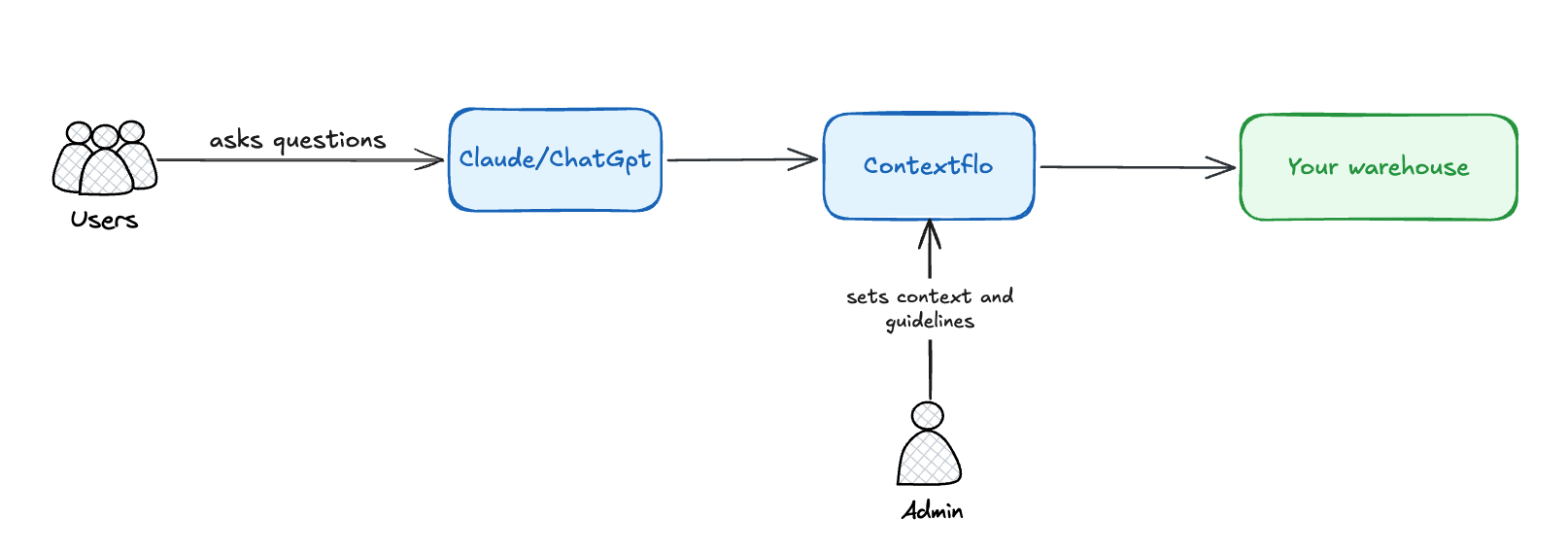
Contextflo is the layer that holds that, handles the context drift as your data changes, and puts it in front of every AI your team uses. Your org gets the self-serve without building or maintaining the layer yourself.
Checking before you act on it
A wrong match means a credit goes out to someone who was never overcharged, or a real double-count ships in a report somebody signs off on. A confident wrong answer costs more here than a slow right one.
The parts that make it hold up are dull ones. The definitions are written once, so "completed order" and "paid out" mean the same thing on every run, whoever is asking. The query is shown under every answer, so the person can pull up the pair of records and check the match before anything moves. And a check that works gets saved, so next month it reruns the same way instead of being rebuilt from memory.
The edges are where it earns or loses trust: refunds that land after the cut-off, partial refunds, an order re-imported after a fix. Someone who knows the books has to confirm how each of those counts before the check is trusted to clear anything on its own. I'd do that on the first month's run, with the spreadsheet open next to it.
Setting it up
Less than the reconciliation itself takes.
- Connect your data to Contextflo.
- Have someone who knows the books write down the handful of definitions the check depends on. Once, instead of once per close.
- Decide who can see what. People only see what you open to them.
- Finance asks in the Claude or ChatGPT they already have.
On the teams we see doing this, the check stops being a monthly chore. It becomes something someone runs the moment a number looks off.
The team did not stop doing the audit. They stopped doing it by hand.
See it on your own data.
Connect your warehouse and your team can ask Claude about it the same day, without waiting on a data team. Want a walkthrough first? Grab 20 minutes.
Book a 20-minute callSee how teams use Contextflo


Keep reading

Conversational analytics: 5 ways to set it up, compared
7 min read

How to connect Claude to BigQuery? What works and what doesn't in 2026
8 min read

How to connect Claude to Postgres without giving it write access
9 min read

How to build a BI dashboard with Claude that your team can actually trust
8 min read

How to give Claude read-only access to your database (it isn't always the default)
7 min read

You connected your warehouse to Claude, now what?
5 min read
ClickHouse MCP: how to connect ClickHouse to Claude, Cursor or Codex
6 min read
Query BigQuery from the Codex CLI with MCP
5 min read
Run ClickHouse queries from Codex with MCP
6 min read