Not every LLM SQL error is a hallucination
71% of AI-generated SQL errors were "invalid identifier." But when we dug in, hallucination was only part of the story. Stale context was the other.
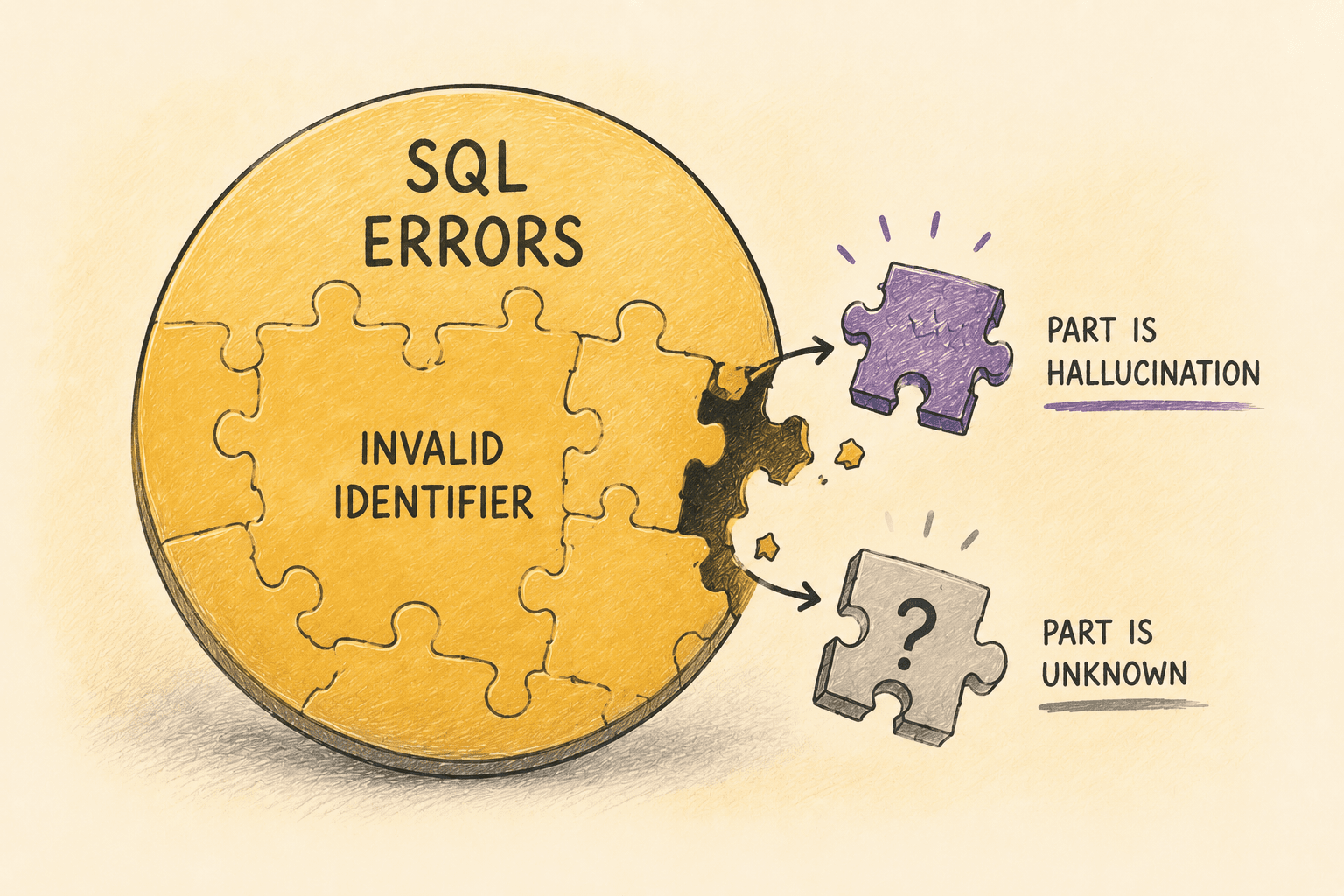
We looked at over 76,000 LLM-generated SQL queries across Contextflo workspaces and broke down the errors by type. 71% of all SQL errors were "invalid identifier," meaning the model referenced a column or table name that didn't exist.
I assumed most of these were hallucinations, the model making up column names. But when we dug into the causes, that was only part of the story.
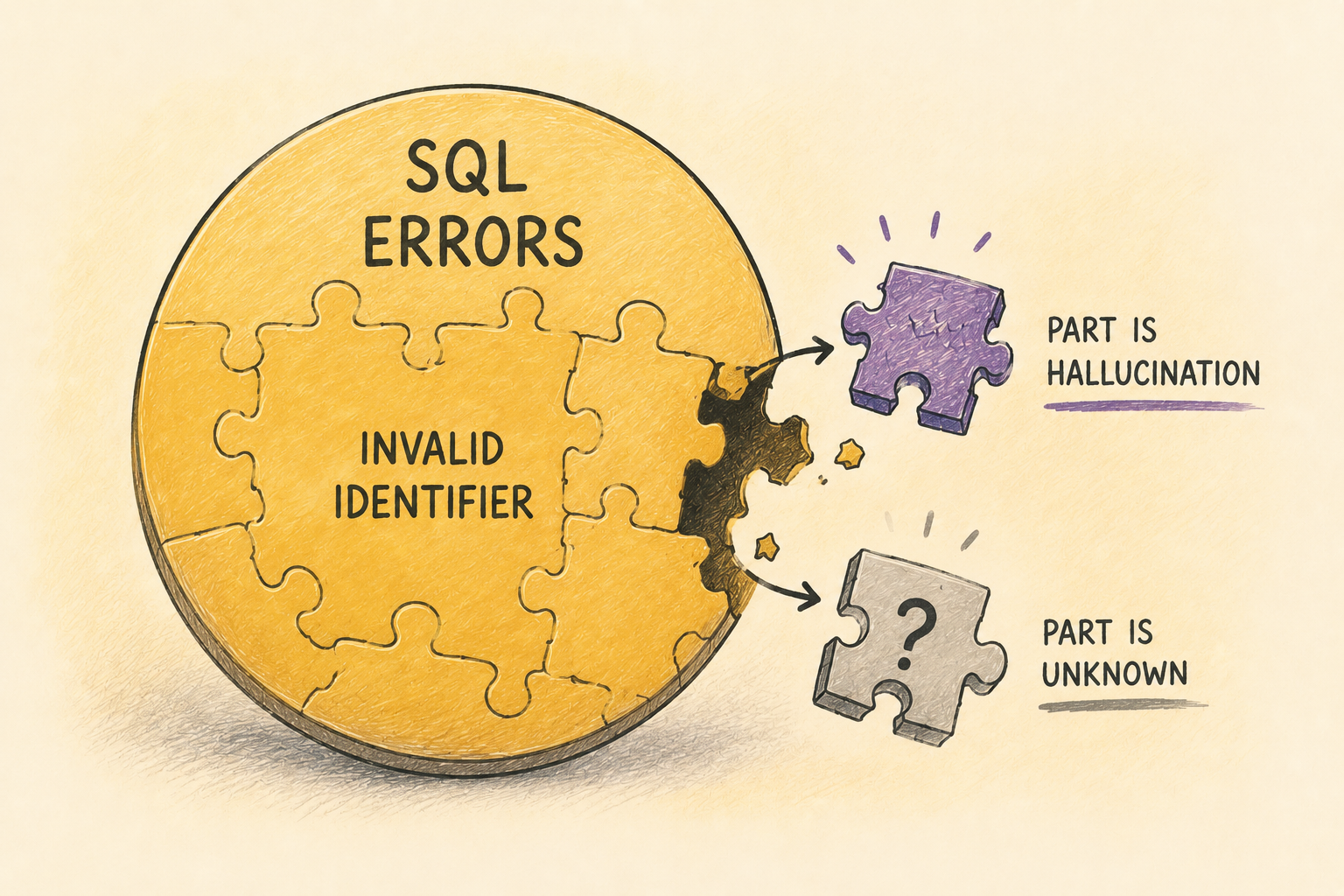
The two faces of "invalid identifier"
An "invalid identifier" error means the SQL references something the database doesn't recognize. That could mean the AI made up a name, or it could mean the AI used a name that used to be correct but isn't anymore.
In Contextflo, teams define saved queries (reusable SQL templates that admins create for repeatable reports) and metric definitions (SQL that encodes how to compute things like GMV, retention, or active users). These resources give the AI a head start. Instead of writing SQL from scratch, it can reuse verified queries.
But warehouses evolve. Columns get renamed, schemas get restructured, tables get deprecated. When that happens, those saved resources drift out of sync with the underlying data model. The AI faithfully reuses a query that was correct three months ago, and gets the same "invalid identifier" error as if it had hallucinated.
Same error message. Completely different root cause. One is an AI quality problem. The other is a data governance problem.
Example: hallucination
A user asks: "What's the average order value by region for the last 30 days?"
This table was added to the warehouse recently and its context has not been generated yet, so the AI has never seen its schema. It writes what it thinks the query should look like:
SELECT region, AVG(order_total) AS aov
FROM orders
WHERE created_at >= CURRENT_DATE - 30
GROUP BY region
Error: invalid identifier 'ORDER_TOTAL'
The AI tries AMOUNT, then TOTAL_AMOUNT. Both wrong. The column is actually called GROSS_MERCHANDISE_VALUE. The AI was guessing based on what columns are typically called in orders tables, and none of its guesses matched.
Eventually it pulls the actual table schema, discovers the real column names, rewrites the query, and gets the answer. The user sees a slow response. Behind the scenes, the AI burned through multiple failed attempts before getting it right.
What it looks like when context goes stale
This one was more interesting. A user asks for the weekly campaign performance report. The AI finds a saved query for exactly this and reuses it, which is what it's supposed to do:
SELECT campaign_name,
       SUM(ad_spend) AS total_spend,
       SUM(impressions) AS total_impressions
FROM marketing.campaign_performance
WHERE report_date >= CURRENT_DATE - 7
GROUP BY campaign_name
Error: invalid identifier 'AD_SPEND'
The AI didn't guess anything. It used a verified, admin-created query. But last sprint, the data team renamed ad_spend to media_cost during a warehouse cleanup. The saved query was never updated.
The AI self-corrects here too. It checks the current schema, finds the renamed column, and rewrites the query. But the root cause wasn't the AI being unreliable. It was a context maintenance problem.
The failures you can see, and the ones you can't
Every failure in this chart is the loud kind: the query errors, so you find out. The dangerous version is the drift that does not error. A column gets renamed but the old one is left in place holding stale data. A metric definition stays syntactically valid while its meaning quietly goes wrong. The query succeeds, the number comes back, and nobody notices it is off.
"Invalid identifier" is the lucky failure, because it announces itself. The silent version is why a maintenance workflow matters more than the error count.
Why the distinction matters
If you lump all "invalid identifier" errors together, you get a single number that doesn't tell you what to do. Is the AI bad at SQL? Are your table descriptions incomplete? Did someone rename a column without updating the saved queries?
The fix for hallucination is better context upfront: more detailed table descriptions, column-level documentation, and examples so the AI doesn't have to guess. The fix for stale context is a maintenance workflow: flagging saved queries that reference columns that no longer exist.
Different problem, different owner, different fix.
What we built
We shipped an error dashboard in Contextflo that breaks query errors into categories (invalid reference, syntax error, permission error, and other) so teams can see at a glance what's actually going wrong.
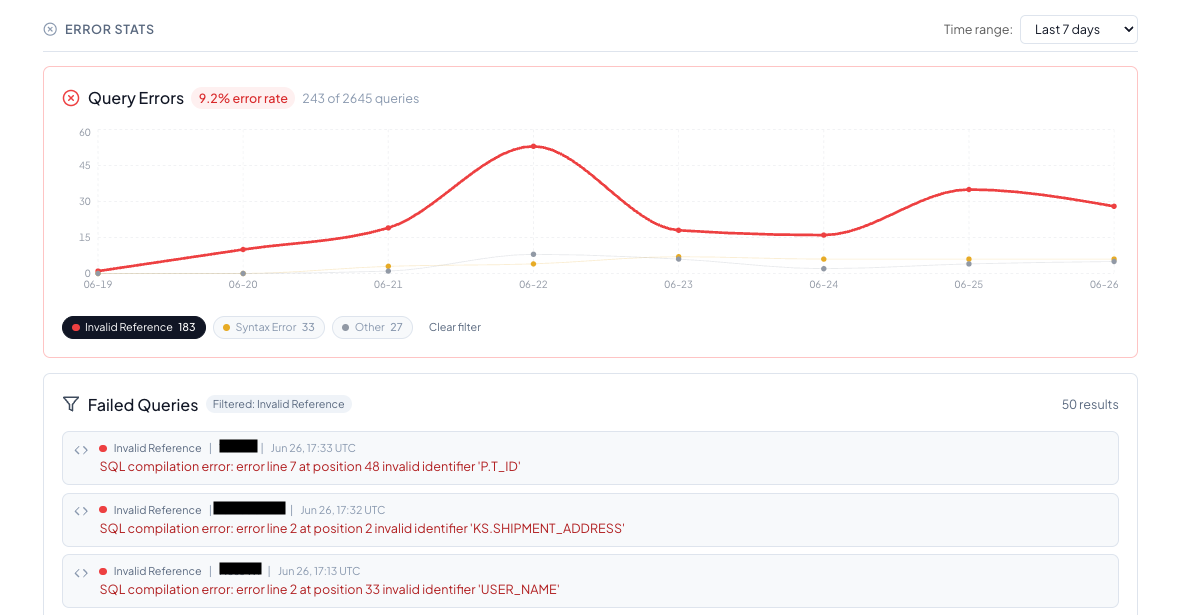
When a team sees that most of their errors are invalid references, they can drill into the individual failed queries to understand whether the AI was guessing or whether a saved resource needs updating. When they see permission errors, they know their access controls are working but might need to adjust which tables are exposed to the AI.
The dashboard can't automatically tell you whether a given "invalid identifier" was a hallucination or stale context. A human still needs to look at the individual query to figure that out. But it narrows the search. Instead of scrolling through raw logs, you start from a filtered list of failures grouped by type.
The obvious next step is to stop relying on a human to catch stale saved queries at all: diff every saved query and metric definition against the current schema on a schedule, and flag the ones that reference columns that no longer exist before they run. That is where this is headed.
The goal isn't zero errors. LLMs will make mistakes when writing SQL. The goal is knowing what kind of mistakes they're making so you can fix the right thing.
Here is a more in-depth look at Contextflo and how it works.
What is Contextflo?
Contextflo is a governed context layer between your data and the AI your team already uses. Connect your warehouse once, and your team asks questions in their own Claude or ChatGPT. The model writes and runs the SQL; Contextflo supplies the definitions, the per-user access control, and the audit that make the answers trustworthy. Your data never moves, and you do not need a data team.
How it works
Your team queries in their own Claude or ChatGPT over MCP, so you bring any agent rather than a locked-in bot, and every answer comes back with the SQL shown and access enforced per user.
Find out if Contextflo is the right fit for you.
See how teams use Contextflo


Keep reading

Conversational analytics: 5 ways to set it up, compared
7 min read

Connect Claude to BigQuery: the connector, the errors, a team path
8 min read

Connect Claude to Postgres: MCP Setup Guide
8 min read

How to build a BI dashboard with Claude that your team can actually trust
8 min read

Is it safe to give Claude read-only access to your database?
5 min read

You connected your warehouse to Claude, now what?
5 min read
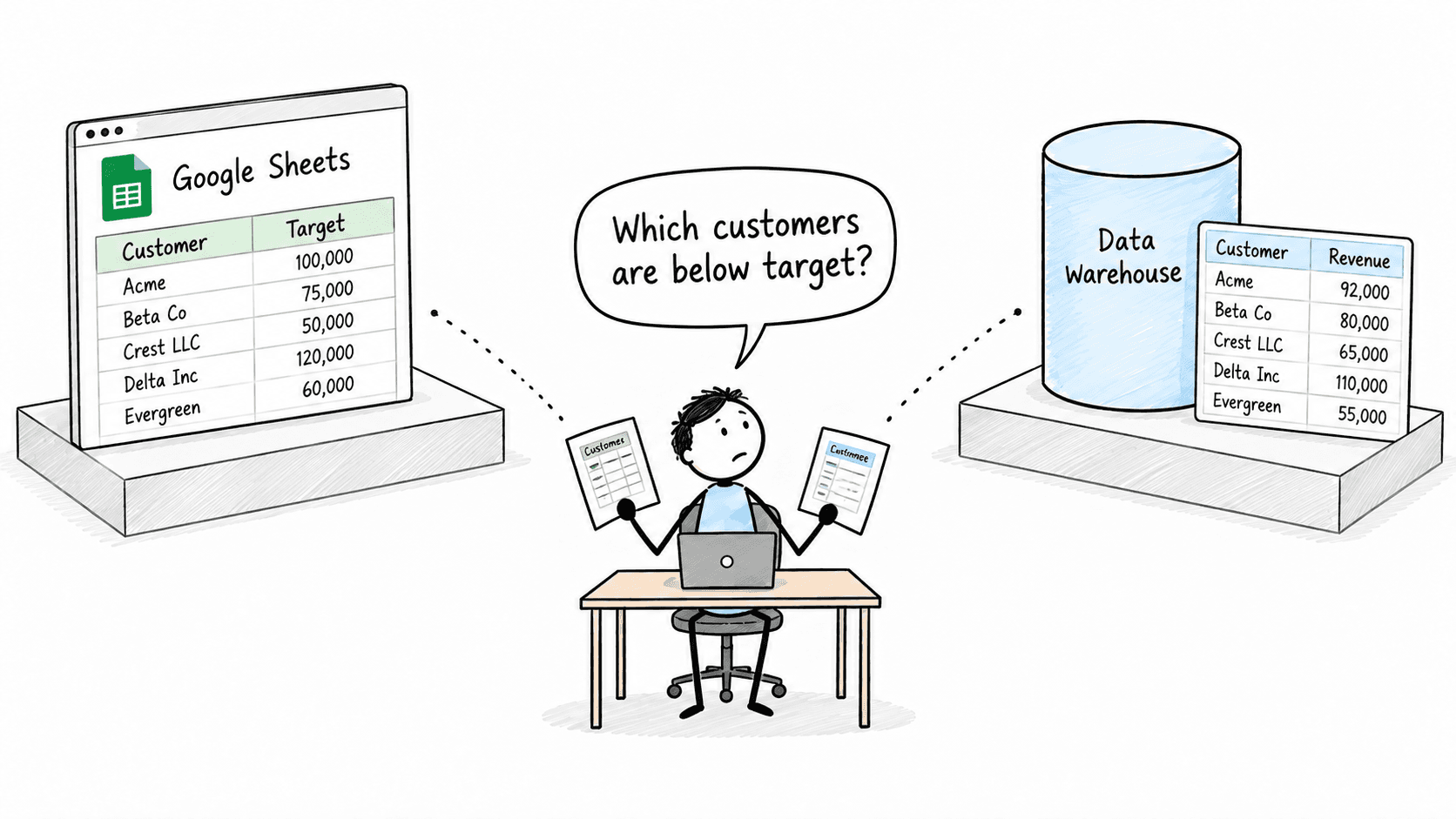
How to connect Google Sheets to Claude, and ask it alongside your warehouse
4 min read

A travel company's revenue team stopped opening Power BI every morning
3 min read

How finance and ops teams catch the numbers that don't match, before a customer does
4 min read