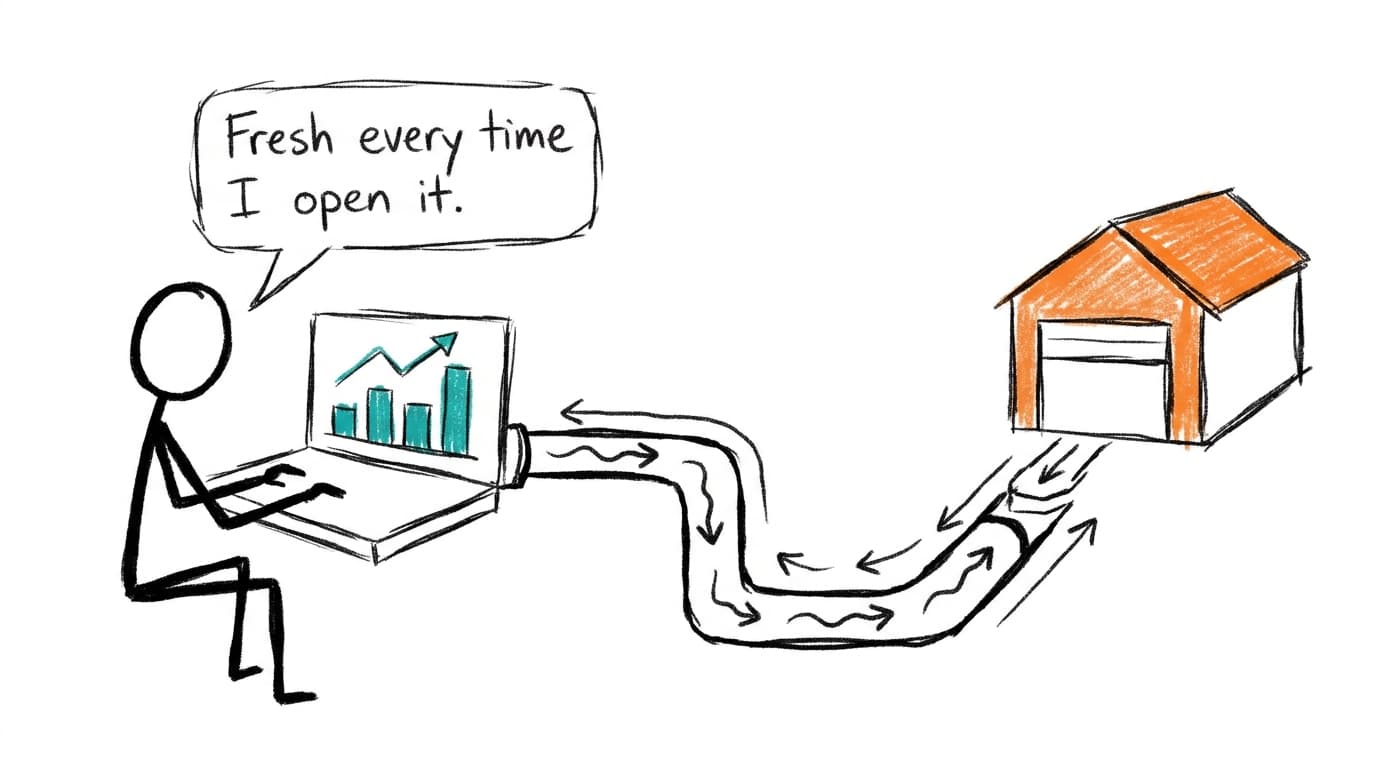
A Contextflo dashboard is a saved layout plus the SQL behind each chart. It holds no copy of your data. Every time someone opens it, each chart re-runs its query in your warehouse, checked against what that person is allowed to see.
What's stored and what isn't
| Contextflo keeps | Contextflo doesn't keep |
|---|---|
| The layout and chart settings | Your tables |
| The SQL behind each chart, and which data source it runs on | The results of those queries |
| Filters and their default values |
So the dashboard is a recipe, not a snapshot. Delete a row in your warehouse and the next person who opens the dashboard won't see it.
On data in general: We never store raw data from your tables. Queries run in your warehouse, and we don't store query results. We keep the user's prompt, the agent's reasoning, and the SQL that was run, for your audit log. Anything you or your agent save to Contextflo on purpose, like uploaded files or reports, is stored in storage dedicated to your organization with its own encryption key. You can delete it anytime.
How fresh it is
Every chart re-runs when the dashboard is opened. There's no extract, no nightly refresh and no "last updated 6 hours ago". Change a filter and the affected charts run again with the new value.
Who can see a dashboard
Inside your company, there are two states:
- Preview: visible to the person who made it and to admins. This is where a dashboard sits while you're still working on it.
- Published: visible to everyone in your organization.
Seeing a dashboard isn't the same as seeing its data. Each chart checks its query against the viewer's own table access before it runs, not the access of whoever built it. If a chart reads a table the viewer can't access, they get "You don't have access to" that table and a note to ask an admin, while the rest of the dashboard loads. A dashboard published to the whole company is safe to publish even if one chart reads finance data.
How groups and table rules work, including how to limit rows and columns, is in access control for Claude on your warehouse.
Sharing outside the company
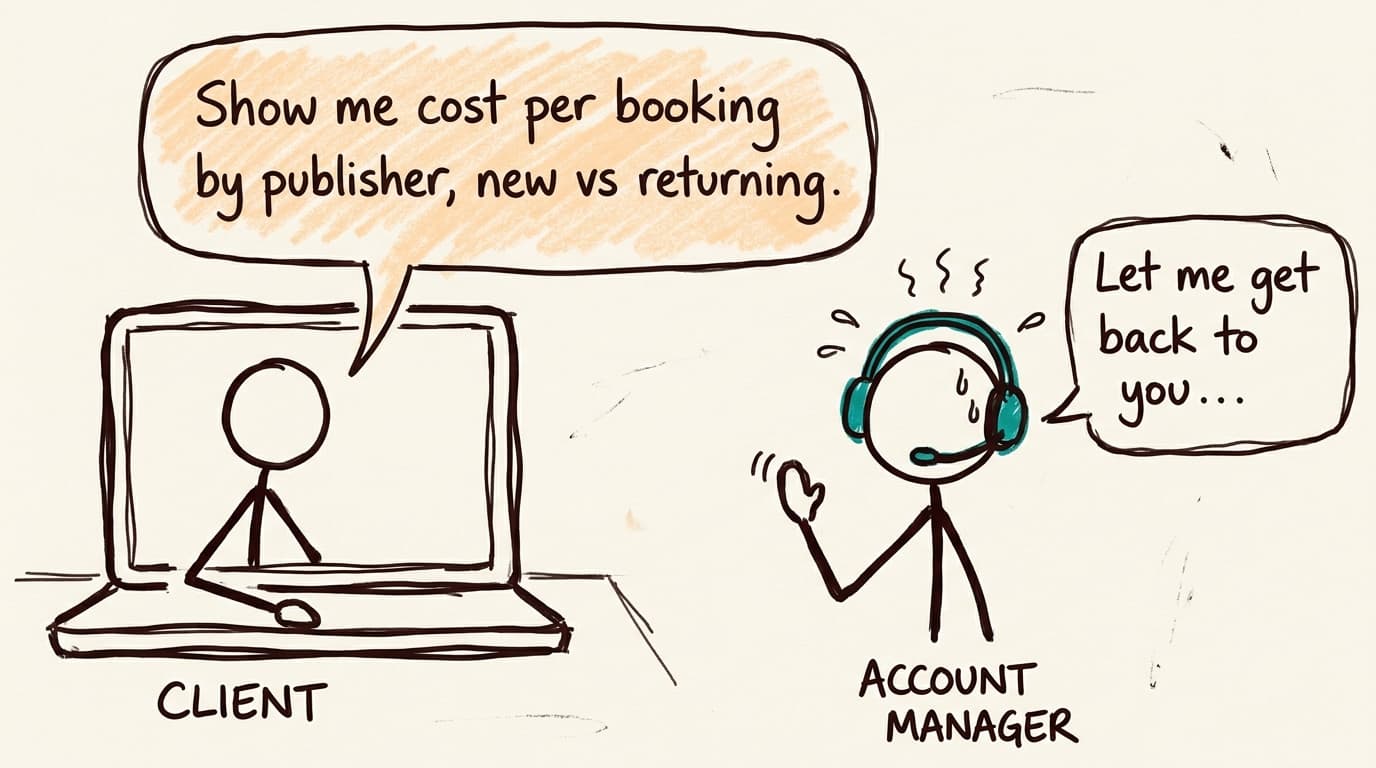
To show a dashboard to a client or an agency, put it in a collection and share the collection with them. They sign in to a read-only portal and see the dashboard with live data, re-run on every open like it is for your team. They don't see the SQL. You can revoke one person or stop sharing the whole collection at any time.
Every number has its SQL
Anyone on your team can open the query behind a chart. When a number looks off, the question "where does this come from?" has an answer one click away instead of a ticket to whoever built the dashboard.
How dashboards get made
Most get made by asking. In Claude or ChatGPT connected to Contextflo, ask for a dashboard and it writes the SQL, checks it against your data and saves the dashboard to Contextflo. You can also build a live artifact in Claude and push it to Contextflo, which works the same way: how to share Claude artifacts walks through it.
Either way, what gets saved is the layout and the queries. The data stays where it was.
FAQ
Do you store my data? We never store raw data from your tables. Queries run in your warehouse, and we don't store query results. We keep the user's prompt, the agent's reasoning, and the SQL that was run, for your audit log. Anything you or your agent save to Contextflo on purpose, like uploaded files or reports, is stored in storage dedicated to your organization with its own encryption key. You can delete it anytime.
How fresh is a dashboard? As fresh as your warehouse. Every chart re-runs its query each time the dashboard is opened, so there's no extract or refresh schedule to fall behind.
What if a viewer doesn't have access to a table on the dashboard? Each chart's query is checked against the viewer's own table access before it runs. A chart that reads a table they can't access shows them an access message instead of data, and the other charts load normally.
Can I share a dashboard with a client? Yes. Add it to a collection and share the collection with external viewers. They open it in a read-only portal with live data, and you can revoke access anytime.
See it on your own data.
Connect your warehouse and your team can ask Claude about it the same day, without waiting on a data team. Want a walkthrough first? Grab 20 minutes.
Book a 20-minute callSee how teams use Contextflo
Related posts


Keep reading
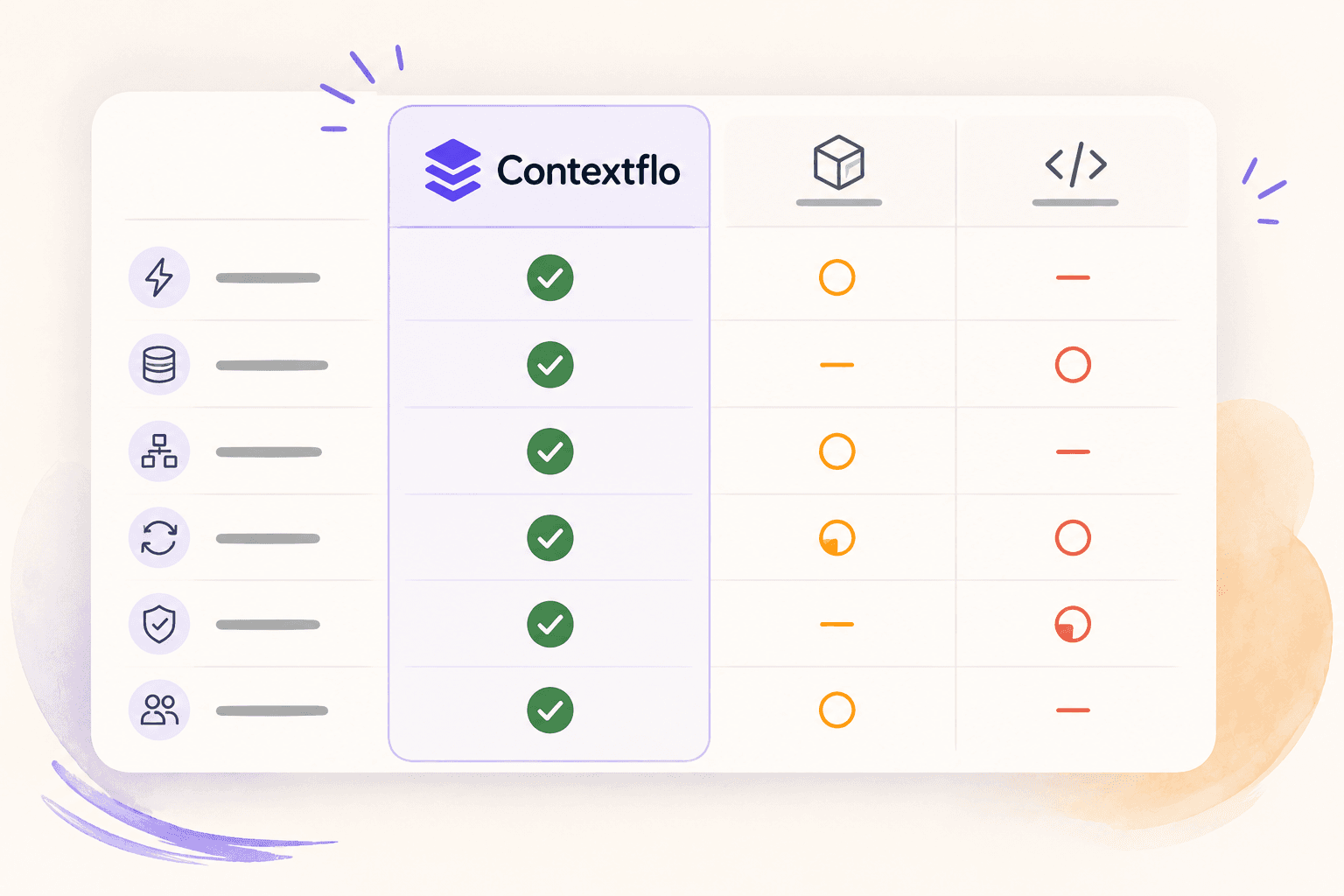
Conversational analytics: 5 ways to set it up, compared
7 min read
How to connect Claude to BigQuery, and fix the errors you'll hit
8 min read
How to connect Claude to Postgres without giving it write access
9 min read
How to build a BI dashboard with Claude that your team can actually trust
8 min read
How to give Claude read-only access to your database (it isn't always the default)
7 min read
You connected your warehouse to Claude, now what?
5 min read
ClickHouse MCP: how to connect ClickHouse to Claude, Cursor or Codex
6 min read
Query BigQuery from the Codex CLI with MCP
5 min read
Run ClickHouse queries from Codex with MCP
6 min read