How much of your traffic comes from ChatGPT? How to track AI referrals with Claude
Hi, this is Vivek, building Contextflo. I share practical notes on getting answers from your data, a couple of times a month.
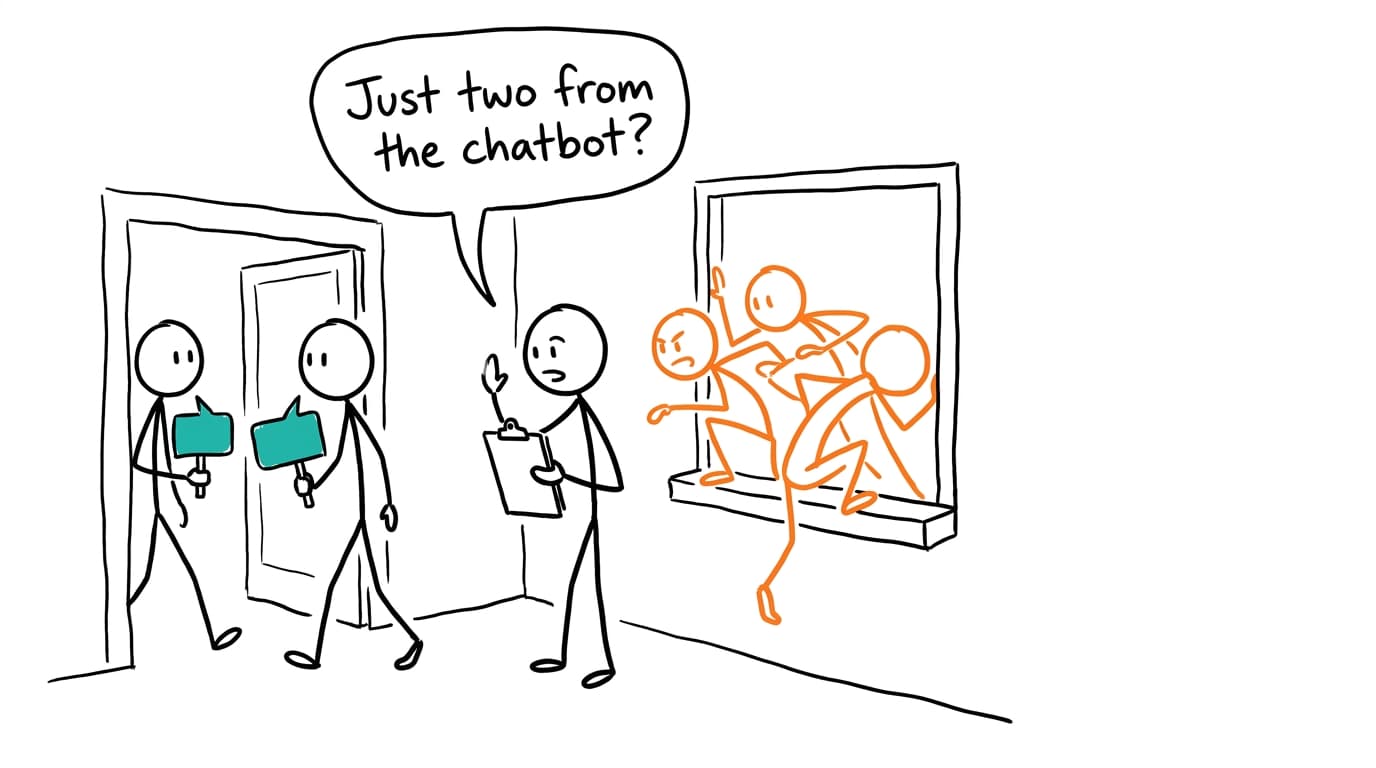
You can measure the visible part of your AI traffic in GA4 today. Filter the Traffic acquisition report by session source for chatgpt.com, perplexity.ai, gemini.google.com and the rest, or use GA4's built-in AI Assistant channel, then put those sessions next to purchases and revenue. The share is often small next to search, so judge it by what those visitors buy as much as by how many there are. And whatever number you get is a floor. Anyone who copies a link out of a chat and pastes it into a browser lands in Direct, and nothing in your analytics can tell you they came from an AI.
Where AI visits actually land
An AI referral reaches GA4 in one of four ways, and each one ends up in a different place.
| How the visit arrives | Where GA4 puts it | What to filter on |
|---|---|---|
| Click with a referrer Google recognizes as an AI assistant | AI Assistant channel | Session default channel group = AI Assistant |
| Click with a referrer that isn't on Google's list | Referral | Session source, e.g. perplexity.ai, claude.ai |
Link carrying utm_source=chatgpt.com | Whatever channel the tags map to | Session source = chatgpt.com |
| Pasted link, or an app that sends no referrer | Direct | Nothing reliable |
Google describes the AI Assistant channel as traffic "from sources like ChatGPT, Gemini, Deepseek, Copilot, or Grok": when the referrer matches Google's list of AI assistants, GA4 sets the medium to ai-assistant.[1] The list itself isn't published in full, so don't assume Perplexity or Claude are on it. Change the primary dimension to Session source and see which channel your AI sources fall into.
ChatGPT also often appends utm_source=chatgpt.com to the links it cites. OpenAI doesn't document this anywhere I could find, so check your own landing-page URLs rather than taking it on faith. When the parameter is there, GA4 records chatgpt.com as the session source even if the referrer was stripped, which is why source is a better filter than channel alone.
Direct is the hole. GA4 defines it as a visit from "a saved link or by entering your URL", technically source (direct) with medium (none) or (not set).[1] A link pasted from a chat fits that definition exactly.
Build your own AI channel when the default isn't enough
If you want Perplexity and Claude counted alongside ChatGPT, or want a definition you control, build a custom channel group. Standard and 360 properties get a different number of custom groups to work with, so check Google's current channel group limits before you plan a bunch of them, and they apply to historical data, so you can look back as soon as you save.[2]
- Go to Admin, then Data display, then Channel groups, and create a new group (or copy the default one).
- Add a channel called "AI assistants" with the condition Source matches regex.
- Use a pattern that names the domains you care about, for example:
chatgpt\.com|chat\.openai\.com|perplexity\.ai|claude\.ai|gemini\.google\.com|copilot\.microsoft\.com - Drag the channel above Referral. Google assigns traffic to "the first channel whose definition it matches", so below Referral it would never fill.[2]
Google's help page has its own example regex for this, and it's looser than it looks. It opens with ^.*ai|, which matches any source containing the letters "ai", including something like mailchimp.[2] A named list of domains is dull and catches less, but you know exactly what's in it. Add to it when a new source shows up in Referral.
Sessions are the wrong scoreboard
A few hundred sessions a month from ChatGPT is easy to dismiss next to search. What those sessions do is the better question. Put AI sources next to the site average on:
- sessions and share of total
- purchases (or your key event) and conversion rate
- purchase revenue and revenue per session
- top landing pages, which show what the assistants are recommending
If AI visitors land on specific product or comparison pages, an assistant is answering a buying question with your page. That tells you which pages to keep accurate. And once AI has its own line, it belongs in the same table you use to compare channels by revenue.
The quick way: a GA4 download and a Claude chat
- For a one-off total, open Reports, then Acquisition, then Traffic acquisition, and switch the primary dimension to Session source.[3] Click Share this report, then Download File, and pick CSV or Export to Google Sheets. Downloads truncate past a row count, so check Google's current export limits if your source list is long.[4]
- For trends and pages, build an Exploration instead, with session source, landing page and month as dimensions and sessions, purchases and purchase revenue as metrics. It exports to Sheets, CSV and TSV.[5] Take at least three months so the small numbers have something to compare against.
- Upload the file to a Claude chat, or link the Sheet through Claude's Google Drive connector.[6][7]
Then ask:
This is GA4 traffic by session source. Classify each source as AI
assistant (chatgpt.com, chat.openai.com, perplexity.ai, claude.ai,
gemini.google.com, copilot.microsoft.com, and anything else that
looks like an assistant; list those separately so I can check them)
or not. Show AI sessions, purchases and revenue as a share of the total.
Compare conversion rate and revenue per session for AI sources against
the site average, by month. Flag any month where AI numbers are based
on fewer than 20 purchases, since those rates won't mean much.
List the top 15 landing pages for AI sessions. For the same pages,
show Direct sessions by month. Did Direct rise on those pages when AI
traffic did?
That last prompt is the closest you'll get to the dark part from a report download. It proves nothing on its own, but a deep product URL that suddenly gets Direct visits nobody typed is a hint.
Where it runs out
The report is sessions by source, not a list of orders, so you can't see which purchases the AI visitors made or check them against Shopify. Claude also decides fresh in every chat what counts as an assistant, and if it adds a source this month that it left out last month, your trend moves for no reason. Paste the regex into the prompt to keep it fixed. And it's a snapshot you'll download again next month.
Keep the file where Claude and ChatGPT can reach it
Contextflo is for when you'd rather not repeat those steps each month. Connect the Sheet that holds the GA4 export once, and Claude or ChatGPT can read it directly from then on, re-imported when the sheet changes. Upload your orders export next to it, and add your warehouse too if you have one.
The part that pays off is writing the AI source list down once, as shared context: which domains count, and that a pasted link without a referrer still counts as AI even though GA4 calls it Direct. Everyone who asks gets the same definition of "AI traffic" from then on, and the trend doesn't drift from one chat to the next.
Going raw: the GA4 BigQuery export
The export gives you every event, which means you can tie AI sessions to individual purchases. The fields that matter:[8]
collected_traffic_source.manual_sourceholds theutm_sourcecollected with the event, so tagged ChatGPT links show up here.page_referreris an event parameter insideevent_params, and it carries the referring URL.traffic_source.sourceis the source that first acquired the user and never changes afterward. It's the wrong field for "where did this session come from".session_traffic_source_last_clickholds last-click session attribution, includingcross_channel_campaign.sourceand.medium.
A query of this shape counts sessions and revenue by AI source:
WITH events AS (
  SELECT
    user_pseudo_id,
    (SELECT value.int_value FROM UNNEST(event_params) WHERE key = 'ga_session_id') AS session_id,
    event_name,
    ecommerce.purchase_revenue AS revenue,
    CONCAT(
      IFNULL(collected_traffic_source.manual_source, ''), ' ',
      IFNULL((SELECT value.string_value FROM UNNEST(event_params) WHERE key = 'page_referrer'), '')
    ) AS source_hint
  FROM `analytics_123456.events_*`
  WHERE _TABLE_SUFFIX BETWEEN '20260901' AND '20260930'
),
sessions AS (
  SELECT
    user_pseudo_id, session_id,
    MAX(REGEXP_EXTRACT(source_hint,
      r'(chatgpt\.com|chat\.openai\.com|perplexity\.ai|claude\.ai|gemini\.google\.com|copilot\.microsoft\.com)')) AS ai_source,
    COUNTIF(event_name = 'purchase') AS purchases,
    SUM(IF(event_name = 'purchase', revenue, 0)) AS revenue
  FROM events
  GROUP BY user_pseudo_id, session_id
)
SELECT IFNULL(ai_source, 'not AI') AS source,
  COUNT(*) AS sessions, SUM(purchases) AS purchases, SUM(revenue) AS revenue
FROM sessions
GROUP BY source
ORDER BY sessions DESC
Treat it as a starting point and read the output before trusting it. A session is user_pseudo_id plus ga_session_id, since the session ID alone isn't unique. The export only holds data from the day you link it, so if it isn't on yet, turn it on now. Setup steps are in how to connect Google Analytics to Claude. From there, point Claude at the dataset directly, as in Claude with BigQuery, or through Contextflo so the AI source list is defined once for the team.
Example: 1.5% of sessions, 3.5% of revenue
The numbers are made up for illustration. A home-goods store runs the quick way for September: 42,000 sessions, 630 orders, $58,000 in revenue.
| Source | Sessions | Orders | Revenue | Conversion rate |
|---|---|---|---|---|
| chatgpt.com | 410 | 14 | $1,540 | 3.4% |
| perplexity.ai | 95 | 3 | $290 | 3.2% |
| gemini.google.com | 60 | 1 | $85 | 1.7% |
| claude.ai | 25 | 1 | $120 | 4.0% |
| copilot.microsoft.com | 20 | 0 | $0 | 0% |
| All AI sources | 610 | 19 | $2,035 | 3.1% |
| Whole site | 42,000 | 630 | $58,000 | 1.5% |
AI sources are 1.5% of sessions and 3.5% of revenue, converting at about twice the site rate. Nineteen orders is too few to rank the assistants against each other, so the store reports them as one line.
The landing-page prompt turns up the more interesting finding. Most ChatGPT sessions land on one linen duvet cover page, and Direct sessions to that same URL went from 120 in August to 340 in September with no email or campaign behind them. Nobody types that URL. Some of those visitors probably pasted it from a chat, and none of them appear in the table above.
So the store reports AI traffic as "at least 1.5% of sessions and 3.5% of revenue", keeps the duvet page's price and stock accurate, and reruns the check monthly. The number in the table is the part of AI traffic that left a trace. The Direct line on that duvet page is the part that didn't.
FAQ
How do I see ChatGPT traffic in Google Analytics? Open Reports, then Acquisition, then Traffic acquisition, and change the primary dimension to Session source. Look for chatgpt.com and chat.openai.com. GA4's default channel group also has an AI Assistant channel for referrers on Google's list of AI assistants, so check that row too.
Does GA4 have an AI traffic channel? Yes. The default channel group includes an AI Assistant channel, described by Google as traffic from sources like ChatGPT, Gemini, Deepseek, Copilot or Grok. It's based on a list Google maintains, so check whether the assistants your visitors use land there or in Referral, and build a custom channel group if you need a tighter or wider definition.
Why does traffic from ChatGPT show up as direct? GA4 files a visit as Direct when it arrives with no referrer and no campaign tags. Someone who copies a link out of a chat and pastes it into a browser arrives that way, and so do many clicks from apps that don't pass a referrer. That traffic can't be recovered as AI traffic after the fact, so treat any AI number from GA4 as a floor.
How do I track revenue from AI referrals? Group sessions by source, keep the AI sources, and compare their purchases and purchase revenue with the site total. In GA4 you can do that in the Traffic acquisition report or an Exploration. With the BigQuery export you can match AI sessions to purchase events yourself and see exactly which orders came from them.
Find out if Contextflo is the right fit for you.
See how teams use Contextflo


Related posts


Keep reading

Conversational analytics: 5 ways to set it up, compared
7 min read

How to connect Claude to BigQuery (and fix the errors you'll hit)
8 min read

How to connect Claude to Postgres (and keep it read-only)
7 min read

How to build a BI dashboard with Claude that your team can actually trust
8 min read

How to give Claude read-only access to your database (it isn't always the default)
7 min read

You connected your warehouse to Claude, now what?
5 min read

Why we built our own Postgres MCP server
7 min read

Are my ads actually profitable? How to analyze Facebook and TikTok ads together with AI
7 min read
Still building the weekly KPI report by hand? How to automate it with Claude
7 min read