Amplitude integration is here
Hi, this is Vivek, building Contextflo. I share practical notes on getting answers from your data, a couple of times a month.
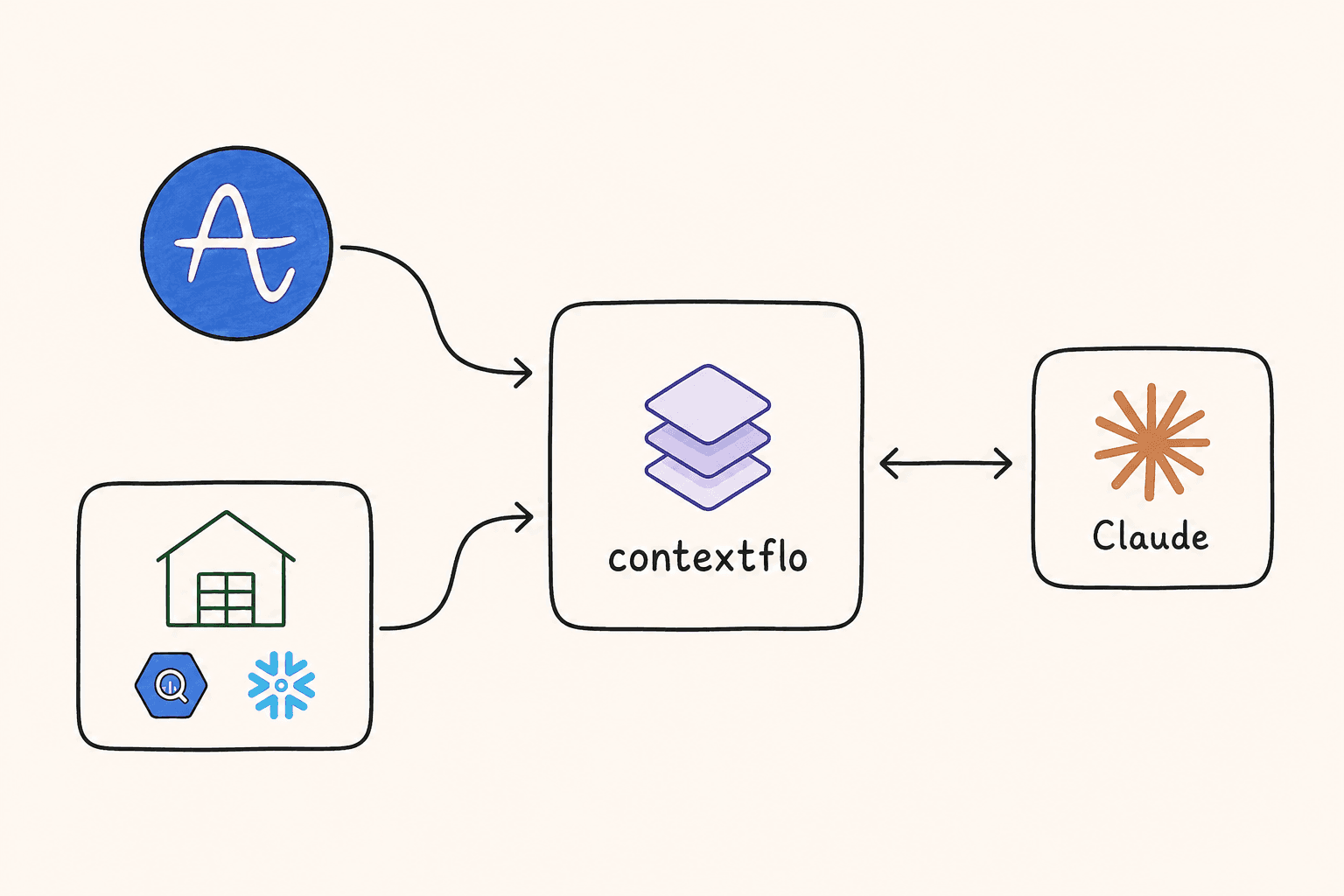
Contextflo now connects to Amplitude. Ask about retention, funnels, user behaviour and revenue in natural language, right alongside your SQL data. One conversation, both sources, instead of switching between Amplitude dashboards and your warehouse.

What you can ask
Once connected, you can query Amplitude the way you would ask a colleague:
What does our signup-to-purchase funnel look like this month?
What's our D1, D7 and D30 retention?
Which features do our most active users use?
Look up user [email protected] and show me their recent activity
Contextflo works out which Amplitude endpoints to call, passes the right parameters, and returns a clear answer.
The endpoints it covers
The integration wraps the Amplitude Dashboard REST API:
| Endpoint | What it gives you |
|---|---|
| Event Segmentation | Counts, uniques, DAU%, with grouping and filters |
| Funnel Analysis | Step-by-step conversion rates between events |
| Retention | D1/D7/D30 retention with pre-calculated percentages |
| Revenue LTV | ARPU, ARPPU, total revenue, paying users |
| User Search | Find users by email, user ID or Amplitude ID |
| User Activity | Full event stream for a specific user |
| User Composition | Breakdown by country, platform, device |
| User Counts | Active and new user trends over time |
| Event List | All tracked events with volume |
| Session Length | Distribution histogram of session durations |
| Avg Session Length | Average session duration over time |
| Sessions Per User | Average sessions per user over time |
| Real-time Active Users | Live count of currently active users |
| Chart Results | Pull data from saved Amplitude charts |
Event List is worth knowing about even though it sounds like plumbing. Amplitude event names are whatever someone typed when they instrumented the feature, so asking for the event list first is how you find out whether the thing you care about is called checkout_completed, purchase, or Purchase Completed before you build a funnel on the wrong one.
Cross-source answers
The real gain is combining Amplitude with your SQL data in one conversation.
What's the conversion rate from signup to purchase in Amplitude, and what's the average order value for converted users in our database?
Three things happen: the Amplitude funnel API is queried for signup → purchase conversion, your warehouse is queried for average order value, and the two are combined into one answer.
Before this, that meant opening Amplitude, building a funnel chart, exporting it, switching to a SQL tool, running a query, and reconciling the two by hand. The reconciling was always the annoying part, because Amplitude counts users and your database counts orders, and deciding which one is the denominator is a judgement call somebody had to make silently every time.
Getting started
Connect Amplitude in your Contextflo settings. You will need your Amplitude API Key and Secret Key, both under your Amplitude project settings. Once connected the endpoints are immediately available in your MCP client.
Works with Claude, Cursor, and any other MCP-compatible client.
Here is a more in-depth look at Contextflo and how it works.
What is Contextflo?
Contextflo is a governed context layer between your data and the AI your team already uses. Connect your warehouse once, and your team asks questions in their own Claude or ChatGPT. The model writes and runs the SQL; Contextflo supplies the definitions, the per-user access control, and the audit that make the answers trustworthy. Your data never moves, and you do not need a data team.
How it works
Your team queries in their own Claude or ChatGPT over MCP, so you bring any agent rather than a locked-in bot, and every answer comes back with the SQL shown and access enforced per user.
Find out if Contextflo is the right fit for you.
See how teams use Contextflo

Related posts

Keep reading
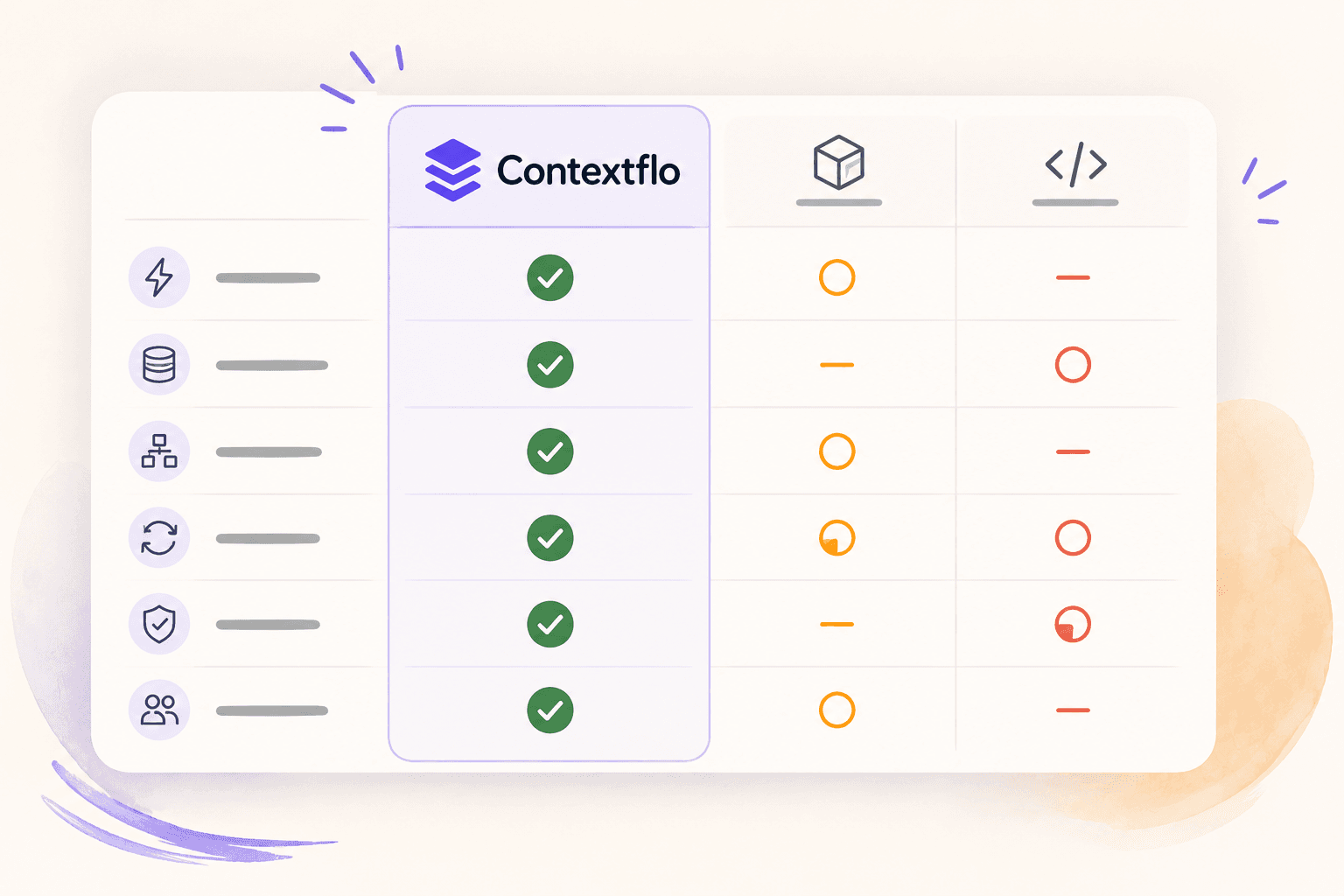
Conversational analytics: 5 ways to set it up, compared
7 min read
How to connect Claude to BigQuery (and fix the errors you'll hit)
8 min read
How to connect Claude to Postgres (and keep it read-only)
7 min read

How to build a BI dashboard with Claude that your team can actually trust
8 min read
How to give Claude read-only access to your database (it isn't always the default)
7 min read
You connected your warehouse to Claude, now what?
5 min read
What is a semantic layer?
5 min read
How to connect Google Sheets to Claude, and ask it alongside your warehouse
4 min read
A travel company's revenue team stopped opening Power BI every morning
3 min read