Can Claude Artifacts Replace Your BI Dashboards? Now With Contextflo, They Can
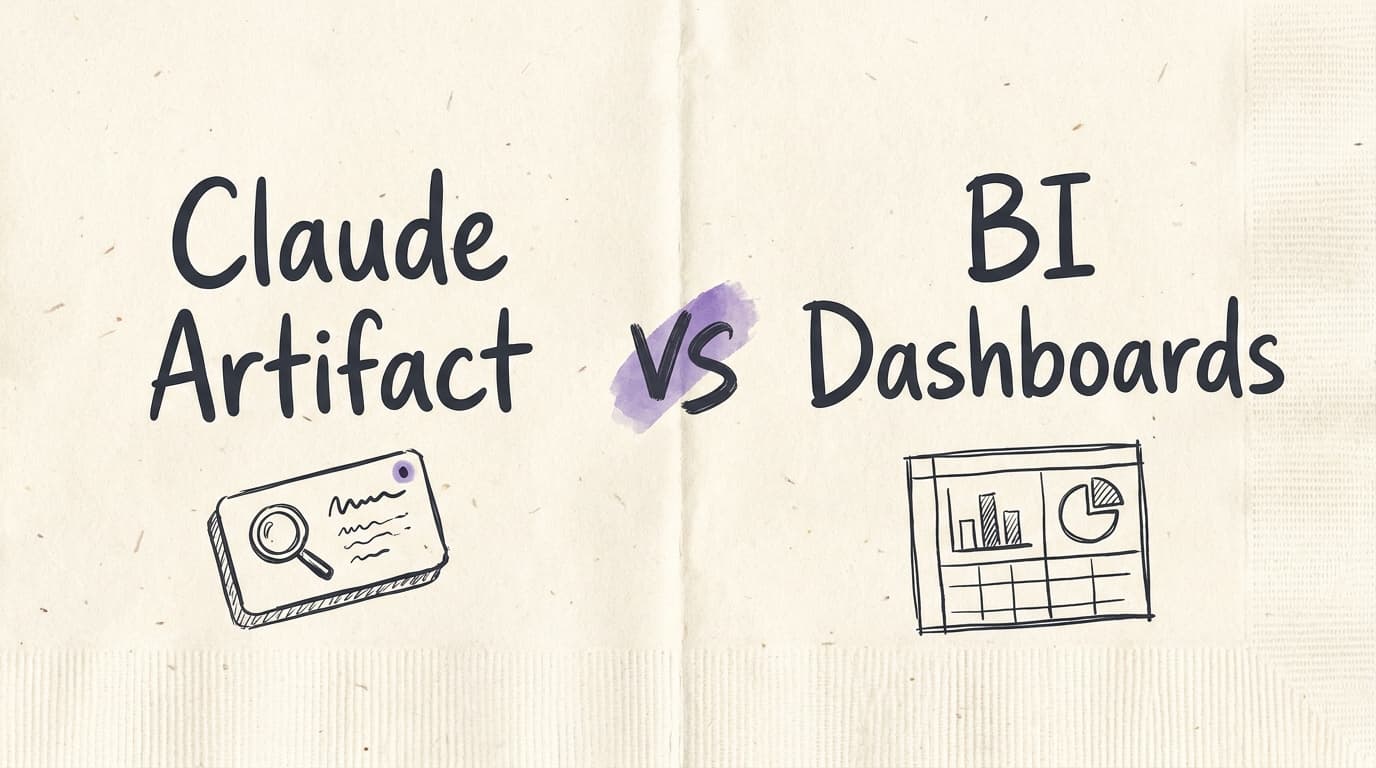
A customer of ours was trying to move off Power BI. Once Claude launched live artifacts, they realized they could build their dashboards right inside Claude, since Claude was already connected to their warehouse through Contextflo. What they didn't have was a central place to keep those dashboards and share them, including with people who aren't in their Claude workspace.
So we built an export feature for them
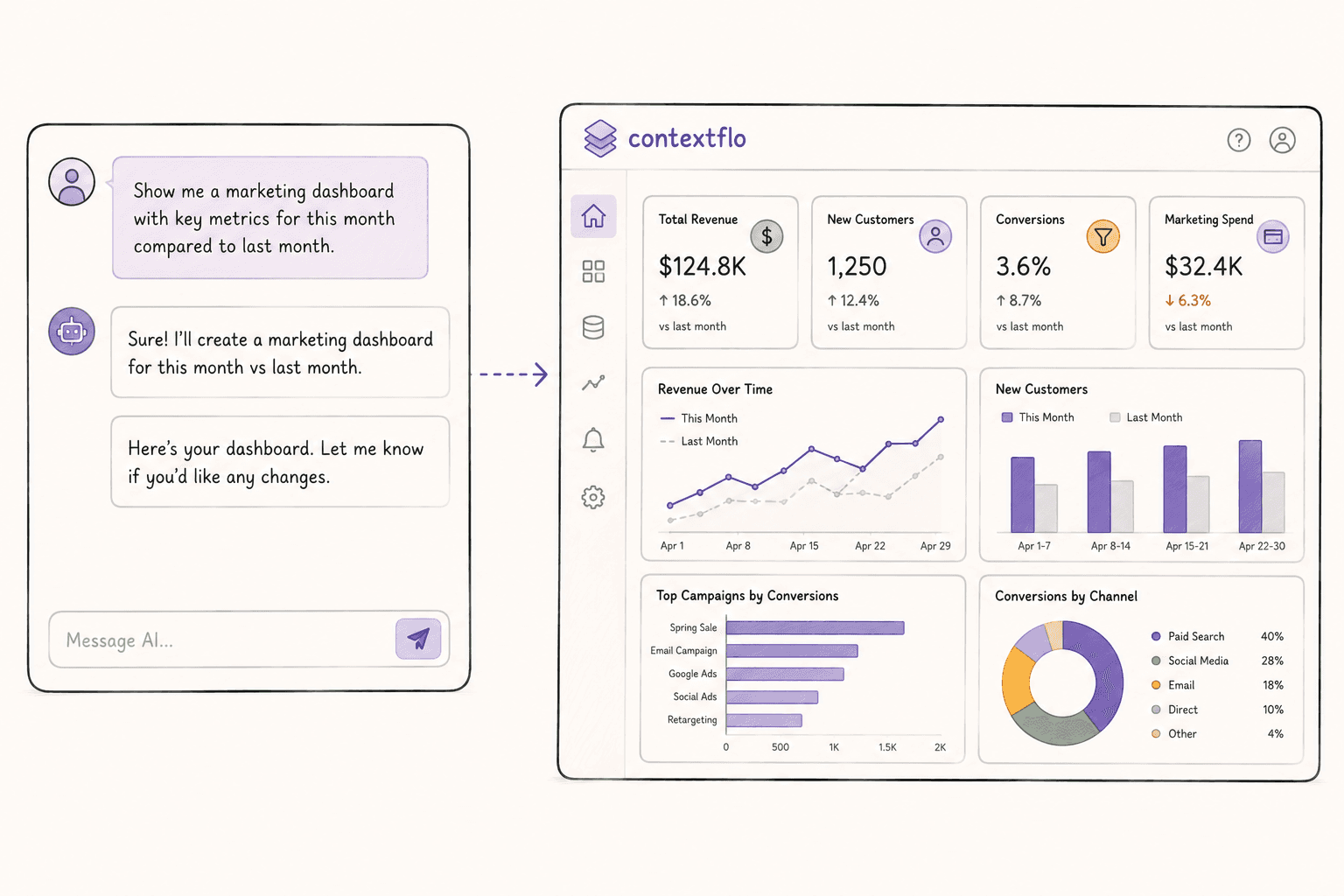
- You ask Claude for the dashboard you want, and it builds it against your warehouse.
- You ask Claude to export it.
- You get a page with its own URL that you can bookmark or send to someone.
It's not a screenshot or a static page. It re-runs the queries in the background each time someone opens it, so whoever opens it sees the current numbers.
How is this possible?
The artifact Claude builds is HTML, and it doesn't carry any data of its own. Under the hood it asks for the numbers over MCP, and those tool calls are Contextflo's.
So exporting doesn't break anything. The page keeps making the same calls, and Contextflo keeps answering them.
How complex can you get?
That depends on the model more than it depends on us. Claude writes the whole artifact, so the ceiling goes up every time the model gets better. It handles the things you'd normally reach for in Power BI: cohort retention heatmaps, waterfall charts, funnels with the drop-off at each stage, a trend line sitting over stacked columns, a matrix you can drill into.
Sharing it
You can share it with anyone by email, and revoke it later if you need to. Anyone already in your Contextflo workspace can just open the URL. Contextflo handles the auth, so you're not sending around a public link or a password.
This is also the part Claude can't do on its own. Live artifact sharing stays inside your Claude organization, and only on Team and Enterprise plans.
Changing it
You want to change something? Just ask Claude to fix it and export it again.
So, can it replace your BI dashboards?
For most of what teams actually use BI for, I think so. The dashboard gets built in one conversation instead of a sprint, it lives outside Claude at a URL you can send to people, and it stays live.
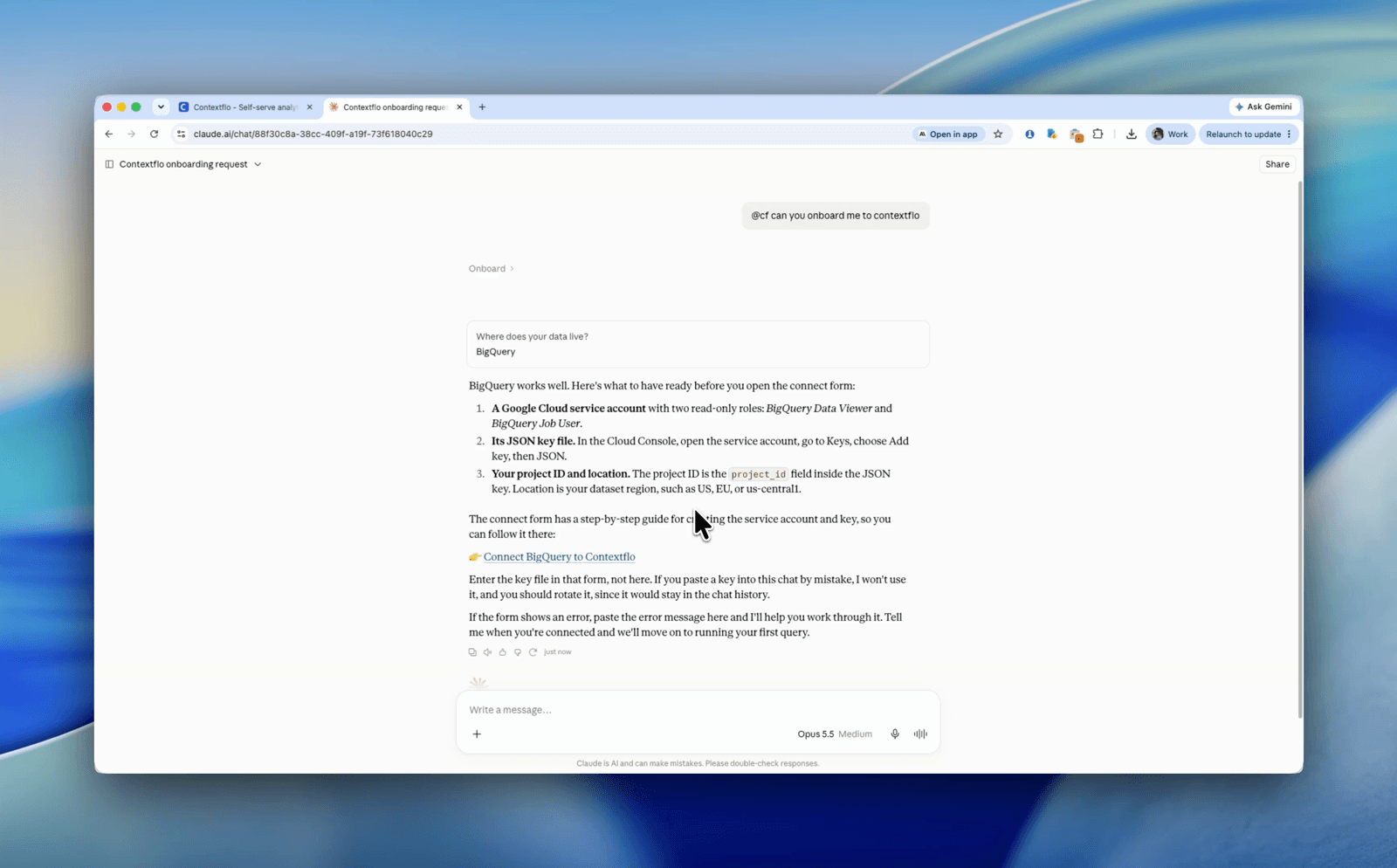
The one thing you need first is Claude connected to your data through Contextflo. That's what lets it write real queries against your warehouse instead of guessing at your schema. Start there, then ask it for a dashboard.
See it on your own data.
Connect your warehouse and your team can ask Claude about it the same day, without waiting on a data team. Want a walkthrough first? Grab 20 minutes.
Book a 20-minute callSee how teams use Contextflo
Related posts
Keep reading
Conversational analytics: 5 ways to set it up, compared
7 min read
How to connect Claude to BigQuery? What works and what doesn't in 2026
8 min read
How to connect Claude to Postgres without giving it write access
9 min read
How to build a BI dashboard with Claude that your team can actually trust
8 min read
How to give Claude read-only access to your database (it isn't always the default)
7 min read

You connected your warehouse to Claude, now what?
5 min read
ClickHouse MCP: how to connect ClickHouse to Claude, Cursor or Codex
6 min read
Query BigQuery from the Codex CLI with MCP
5 min read
Run ClickHouse queries from Codex with MCP
6 min read