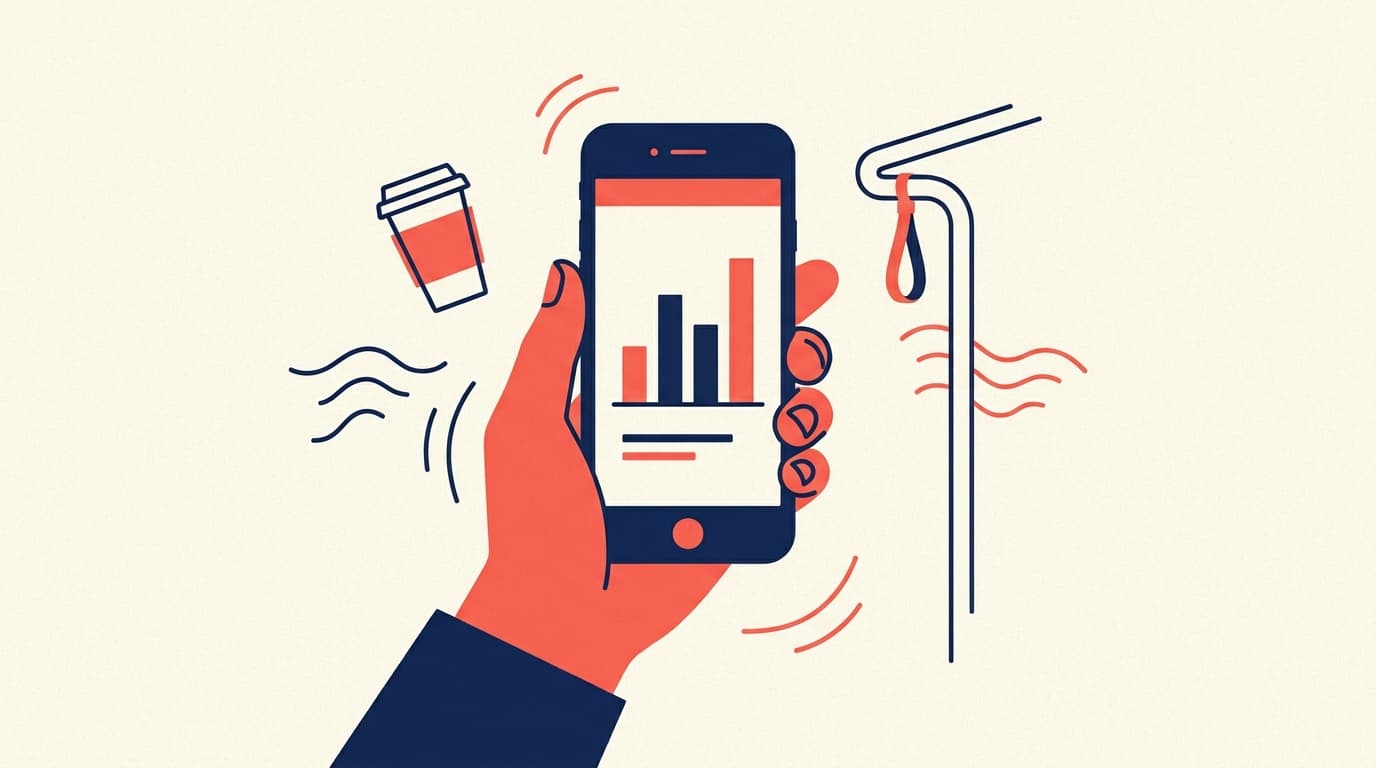
The best data question is the one you answer the moment it comes up, not the one you scribble on a sticky note to check when you are back at your laptop. Most of those moments do not happen at your desk. They happen in a hallway, in the back of a cab, or standing in line for coffee while your phone buzzes. So the real test of self-serve analytics is not whether it works on a big screen, it is whether you can get the answer from your phone in the ten seconds you actually have.
With the Claude app connected to Contextflo, you can. It is the same setup you already use at your desk, answering from your pocket instead.
When this actually happens
You forgot a number before a call. You are walking into a meeting and blanking on last month's churn. Instead of texting an analyst and hoping they are online, you ask on your phone and walk in with the number.
You got an alert. A Slack ping says returns spiked yesterday. You do not want to wait until you are home to know if it is a real problem. You ask "which products drove the return spike yesterday?" from the elevator and know before the doors open.
Someone asks you live. You are in a room and an exec asks a question nobody prepped for. You pull the answer up on your phone while everyone is still talking, instead of promising to "follow up after."
It is the weekend. You are not going to open your laptop, but a founder-brain question just landed. You ask it, get the answer, and get back to your day.
Why it just works
Nothing about the phone is special, and that is the point. The Claude app talks to the same Contextflo connector your desktop does. Contextflo is the layer that already knows your schema, your business definitions, and who is allowed to see what, so Claude writes the right query the first time, whether the request comes from a laptop or a lock screen.
Your data can stay wherever it lives. Another warehouse, Postgres or MySQL, spreadsheets, or any combination. You do not move it anywhere or set up a separate mobile app. You add the connector once, and every future chat on your phone can reach your data.
To be clear about what a phone is good for: this is not where you will build a dashboard or work through twenty follow-up questions. It is where you get the one number that unblocks you before you walk into the room. For that, it is exactly right.
How to set it up
If you have not connected Claude to Contextflo yet, it takes about a minute:
- In the Claude app, add the Contextflo custom connector with URL
https://mcp.contextflo.com/mcp - Authorize with Contextflo
- Start a chat and ask with
@cf, for example@cf what was revenue last week?
That is the whole thing. The connection you make once on desktop follows you to mobile automatically.
FAQ
Do I need anything besides the Claude app? Just the Claude mobile app on a Pro or Team plan, with the Contextflo connector added once. After that, your data is available in any chat on your phone, exactly like on desktop.
Does it work with my data wherever it lives? Yes. Contextflo sits on top of whatever you already use, a warehouse like BigQuery or Snowflake, a Postgres or MySQL database, spreadsheets, or a combination. The mobile experience is the same regardless of the source.
Is it safe to query data from my phone? It runs through the same Contextflo connection as desktop, with the same access controls and query logging. Your phone never touches the database directly, it talks to Contextflo, which enforces permissions.
See it on your own data.
Connect your warehouse and your team can ask Claude about it the same day, without waiting on a data team. Want a walkthrough first? Grab 20 minutes.
Book a 20-minute callSee how teams use Contextflo


Related posts

Keep reading

Conversational analytics: 5 ways to set it up, compared
7 min read

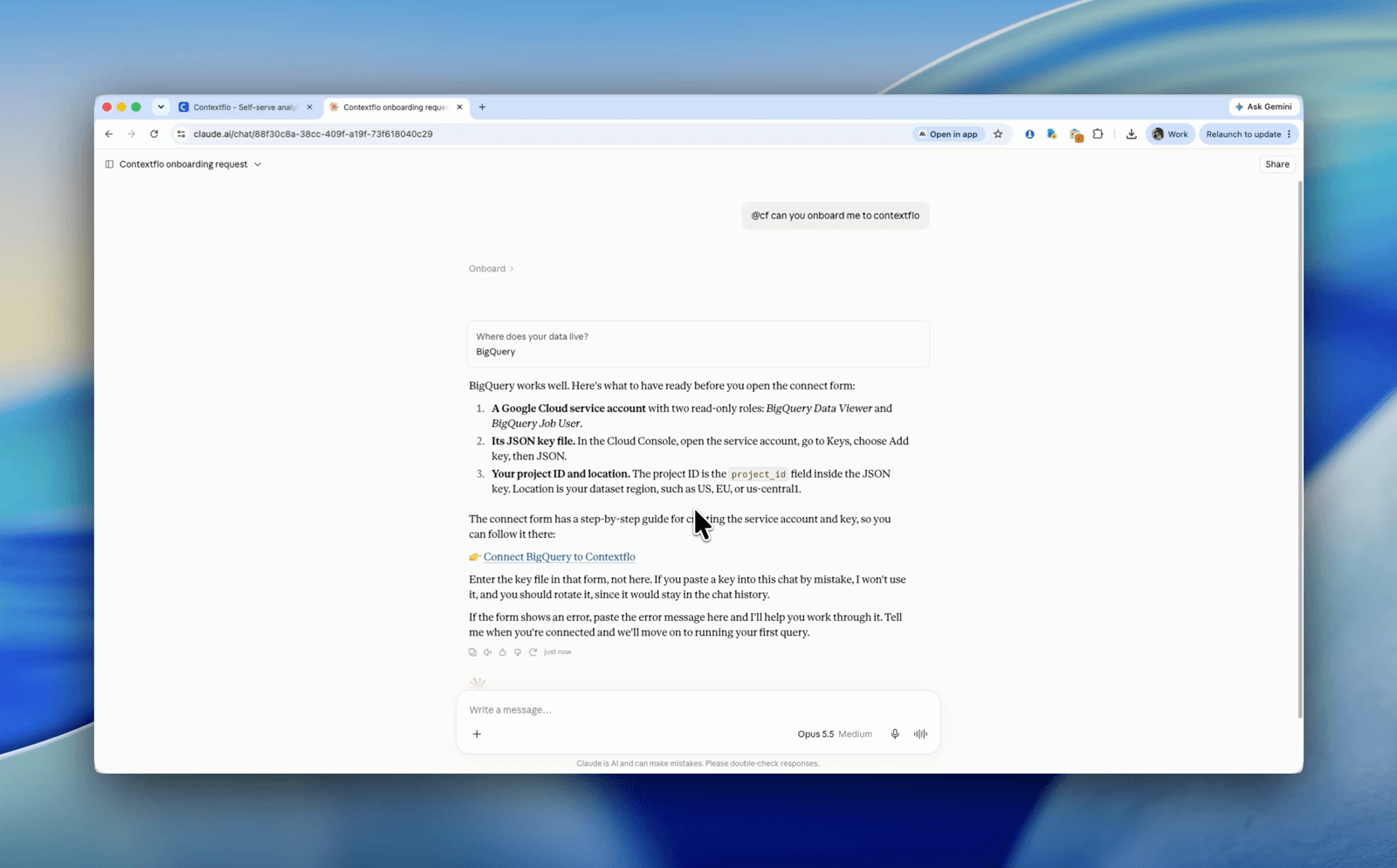
How to connect Claude to BigQuery? What works and what doesn't in 2026
8 min read

How to connect Claude to Postgres without giving it write access
9 min read

How to build a BI dashboard with Claude that your team can actually trust
8 min read

How to give Claude read-only access to your database (it isn't always the default)
7 min read

You connected your warehouse to Claude, now what?
5 min read
ClickHouse MCP: how to connect ClickHouse to Claude, Cursor or Codex
6 min read
Query BigQuery from the Codex CLI with MCP
5 min read
Run ClickHouse queries from Codex with MCP
6 min read