
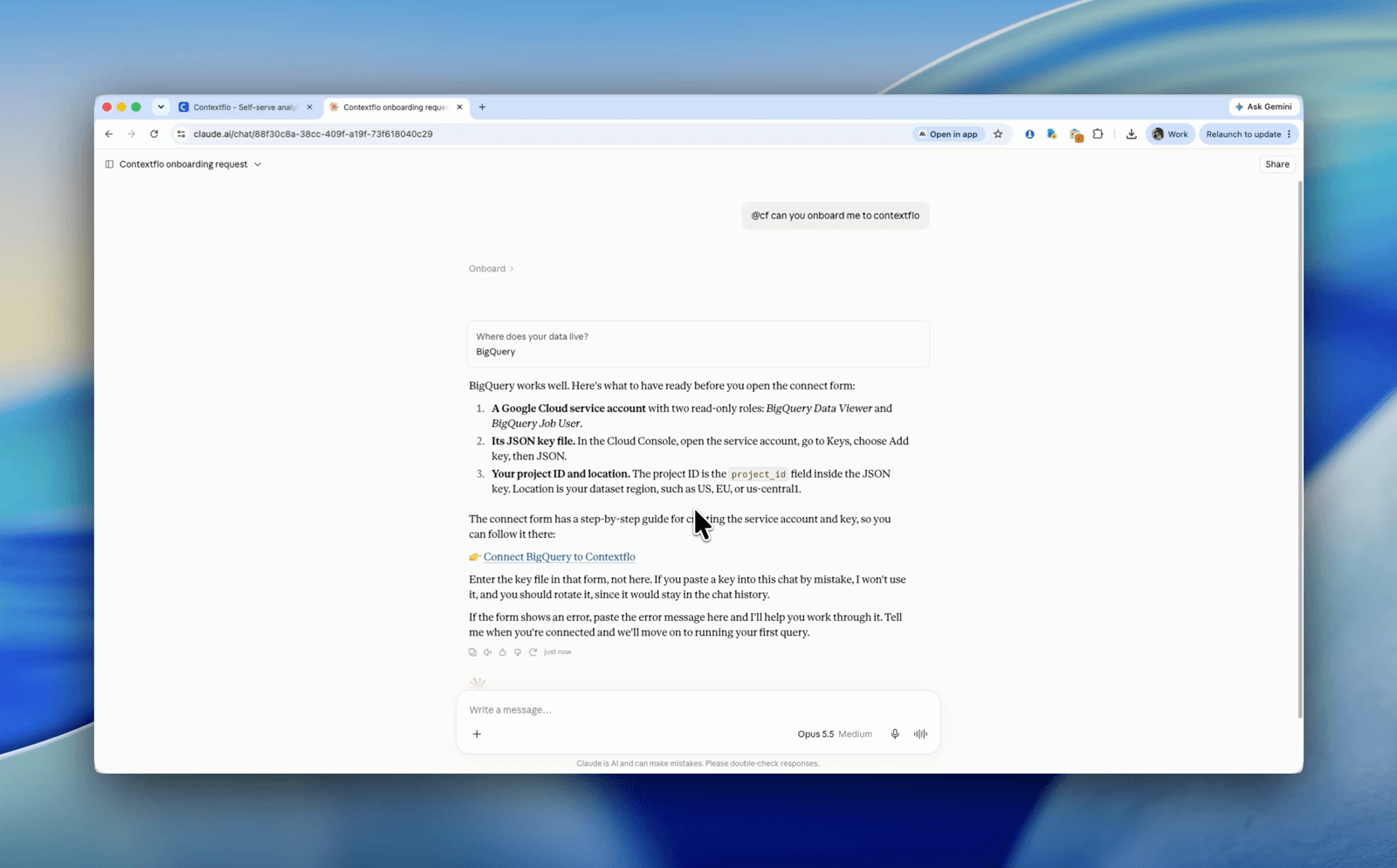
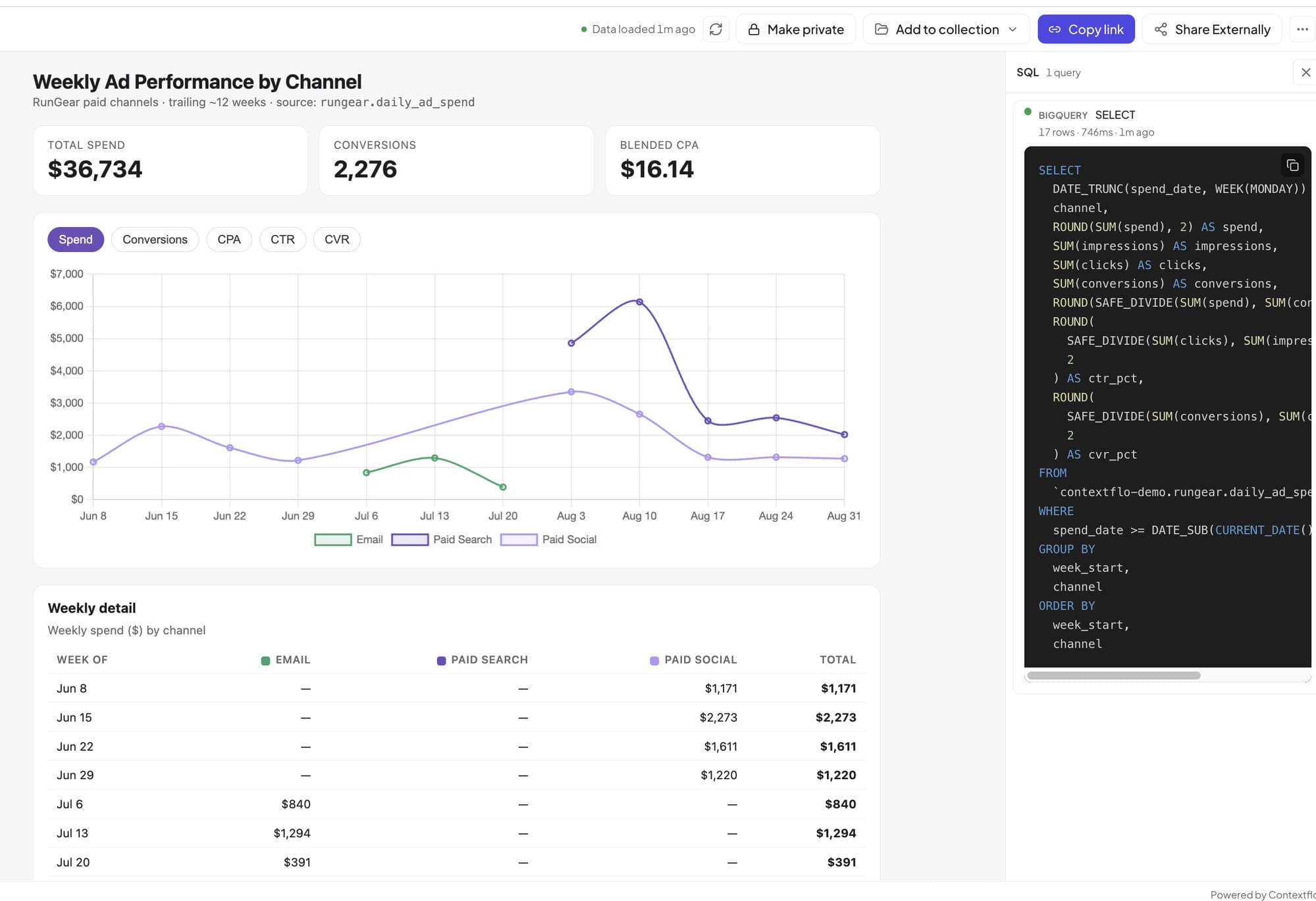
The fastest way to understand Contextflo is not a features page, it's asking a real question against real data and watching the answer come back. You don't need to connect your own warehouse for that. Every new workspace can start from a demo dataset: a ready-to-query BigQuery workspace with the schema and business context already in place, so Claude gets the SQL right the first time. Setup is about one minute. Here's the whole flow.
Step 1: Sign up and pick a dataset
- Go to contextflo.com
- Click sign up / log in
- Log in with your Google or Microsoft account
- On the onboarding screen, pick a demo dataset
That's the entire setup on the Contextflo side. A workspace is created for you with the tables, schema, and saved context already loaded, so there's no database to stand up.
The two datasets
Running gear DTC brand. A synthetic direct-to-consumer e-commerce business: orders, returns, memberships, and ad spend. Pick this one if your day job looks like revenue, retention, and marketing efficiency questions. The data is made up; the questions you can ask are exactly the ones you'd ask about a real store.
StatsBomb football data. Real event data from StatsBomb Open Data: roughly 3,960 matches across 24 competitions played between 1958 and 2025, about 14.9 million on-ball events, every shot recorded with its end location and xG. Pick this one if you'd rather test a football theory than look at a sales funnel.
Step 2: Connect your Claude
Last step: point Claude at your workspace (works on Claude Pro or Team).
- In Claude, open claude.ai/customize/connectors
- Click + and choose Add custom connector
- Set Name to
contextfloand URL tohttps://mcp.contextflo.com/mcp - Click Add, then Connect, and authorize with Contextflo
- Start a chat and ask with
@cf, for example@cf list my tables
On Claude Team, an admin adds the same connector once at claude.ai/admin-settings/connectors, then each member connects.
What end to end actually looks like
We've published a full worked example on the football dataset: Planet Money claimed penalty takers randomize so well that no spot on goal converts better than any other, and we tested it against 1,557 penalties in a single Claude session. The question went in as plain English, Claude wrote the SQL against the demo workspace, and the answer came back as heatmaps of the goal. Here's that session, unedited:
That's the loop you're testing: a question in plain English becomes correct SQL because the context is already there, and the answer lands as a chart you can act on.
Questions to try
On the football dataset:
- Do teams really score more in the last fifteen minutes, or does it just feel that way?
- Is beating your xG a repeatable skill, or does last season's overperformer regress?
- Do referees add more stoppage time when the home team is chasing the game?
On the DTC brand:
- Which product categories have the highest return rates, and is it getting worse?
- What's our blended CAC by month, and how does ad spend map to new-customer revenue?
- Do members actually order more often than non-members?
When you're done kicking the tires, the same setup works against your own data: connect a warehouse or upload CSVs, and the Claude connection you already made keeps working.
FAQ
Do I need a paid Claude plan to try the demo datasets? You need Claude Pro or Team to add a custom connector. The Contextflo side is free to try, and the demo workspace is created for you at signup.
Is the demo data real? The football dataset is real StatsBomb Open Data (~3,960 matches, ~14.9M events). The e-commerce dataset is synthetic but modeled like a real DTC brand, with orders, returns, memberships, and ad spend.
Can I switch from the demo dataset to my own data later? Yes. The demo workspace works exactly like a real one. When you're ready, connect your own warehouse or upload CSVs, and the Claude connection you already set up keeps working.
See it on your own data.
Connect your warehouse and your team can ask Claude about it the same day, without waiting on a data team. Want a walkthrough first? Grab 20 minutes.
Book a 20-minute callSee how teams use Contextflo


Related posts
Keep reading

Conversational analytics: 5 ways to set it up, compared
7 min read

How to connect Claude to BigQuery? What works and what doesn't in 2026
8 min read

How to connect Claude to Postgres without giving it write access
9 min read

How to build a BI dashboard with Claude that your team can actually trust
8 min read

How to give Claude read-only access to your database (it isn't always the default)
7 min read

You connected your warehouse to Claude, now what?
5 min read
How to use Claude to identify user fraud
6 min read

The official Postgres server for Claude is archived. Here's what to use instead.
7 min read

Why is the team missing sprint goals? How to analyze Jira data with AI
8 min read